Getting Started
First Steps with Calendesk
Learn how to quickly get started with Calendesk, from registration to initial setup.
Read time: 2 minutes
How to add an online booking system to your website?
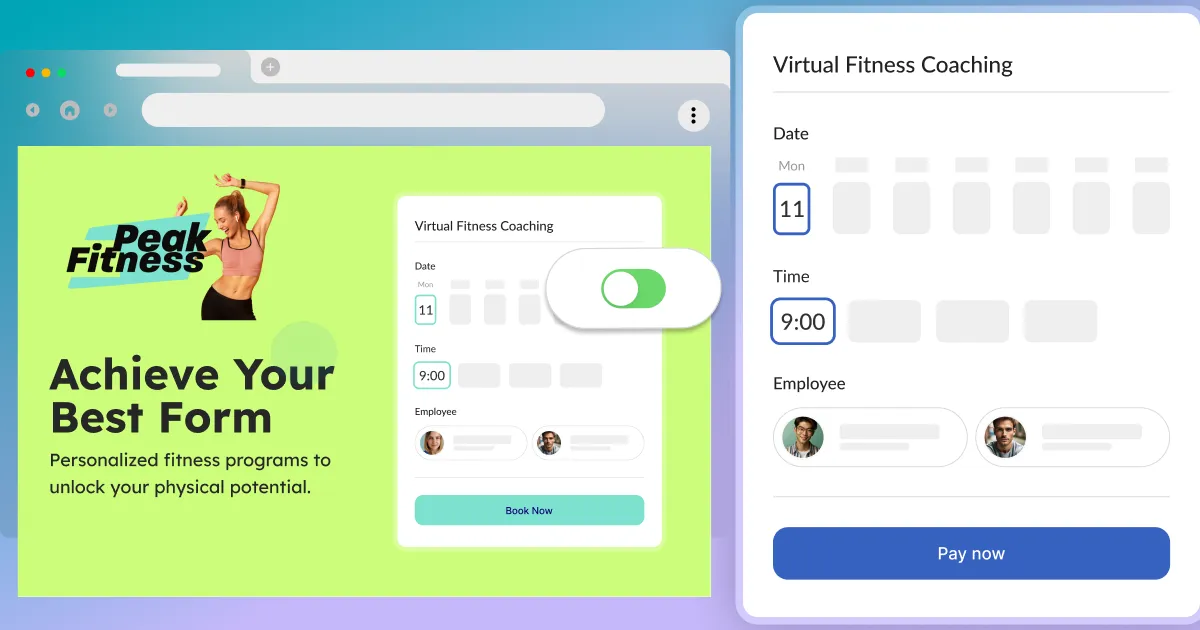
Add Calendesk Online Booking System to your website easily. Follow these steps to integrate our booking system into your website drafts and start accepting appointments.
Read time: 6 minutes
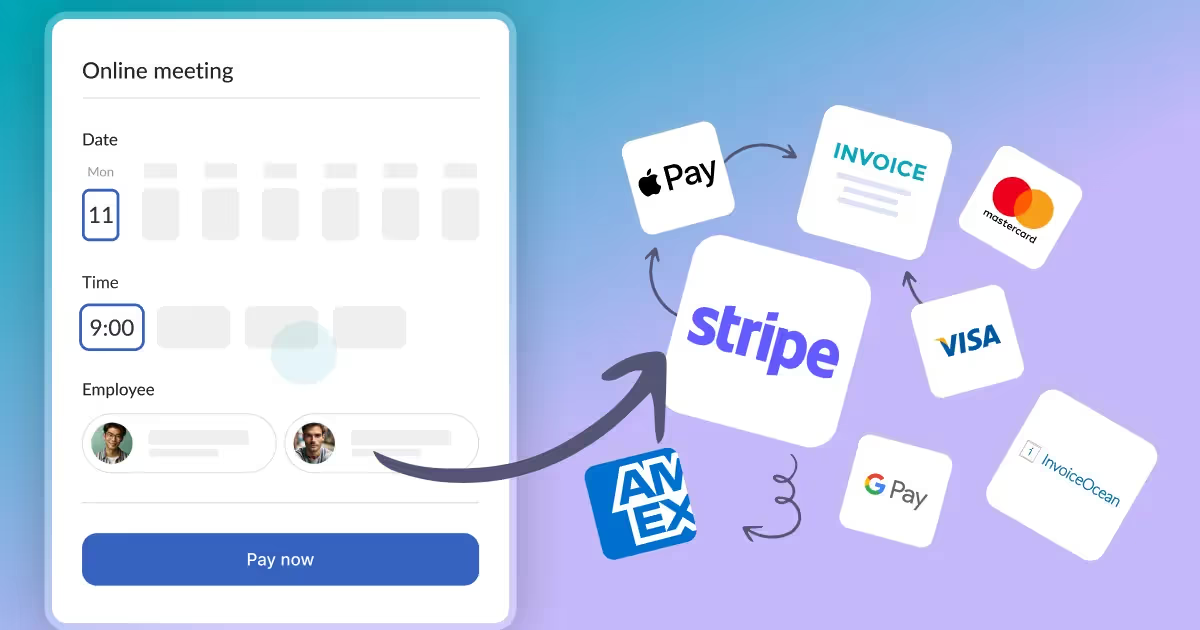
How to offer subscriptions or one-time payments for your customers?
What do you need before you create a subscription-based model in Calendesk? You need to have an active Calendesk account. If you don't have an account, you can create one for free.
Read time: 2 minutes
How to add an online booking system to WordPress?
Make sure you have read the article about generating your code for your online booking system: How to add an online booking system to your website? Once you have your code, you can easily add it to your WordPress site.
Read time: 2 minutes
How can I manage bookings through the calendar?
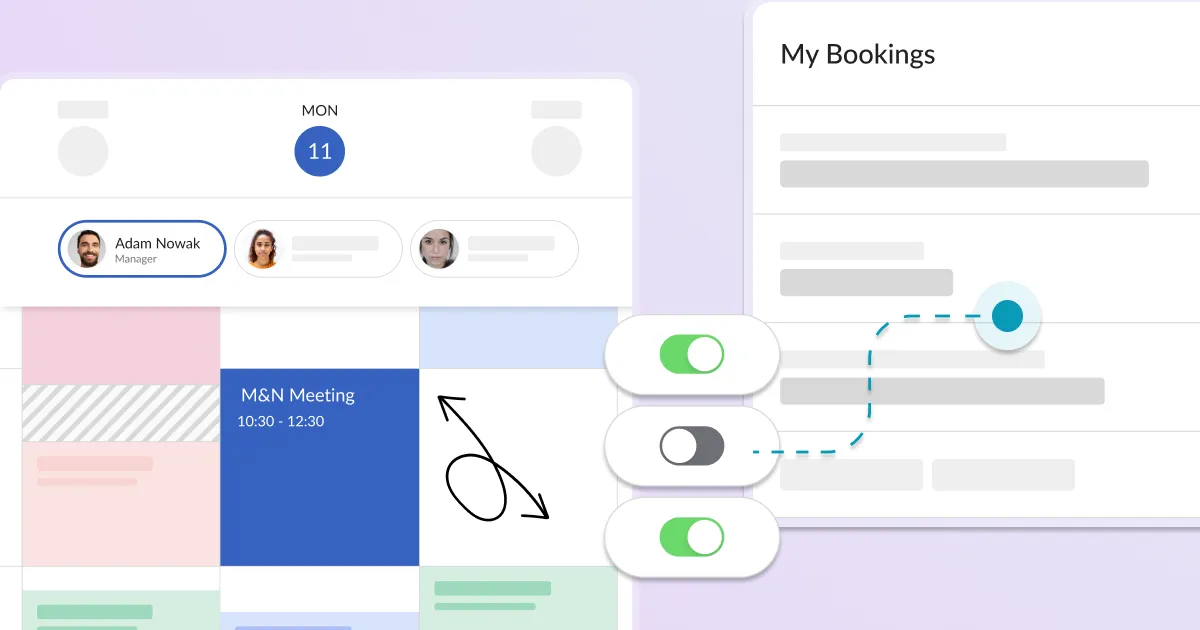
The calendar is a section where your employees can view and manage all paid and accepted online bookings. To view all the bookings, you need to select the desired date.
Read time: 5 minutes
How can I personalize a website?
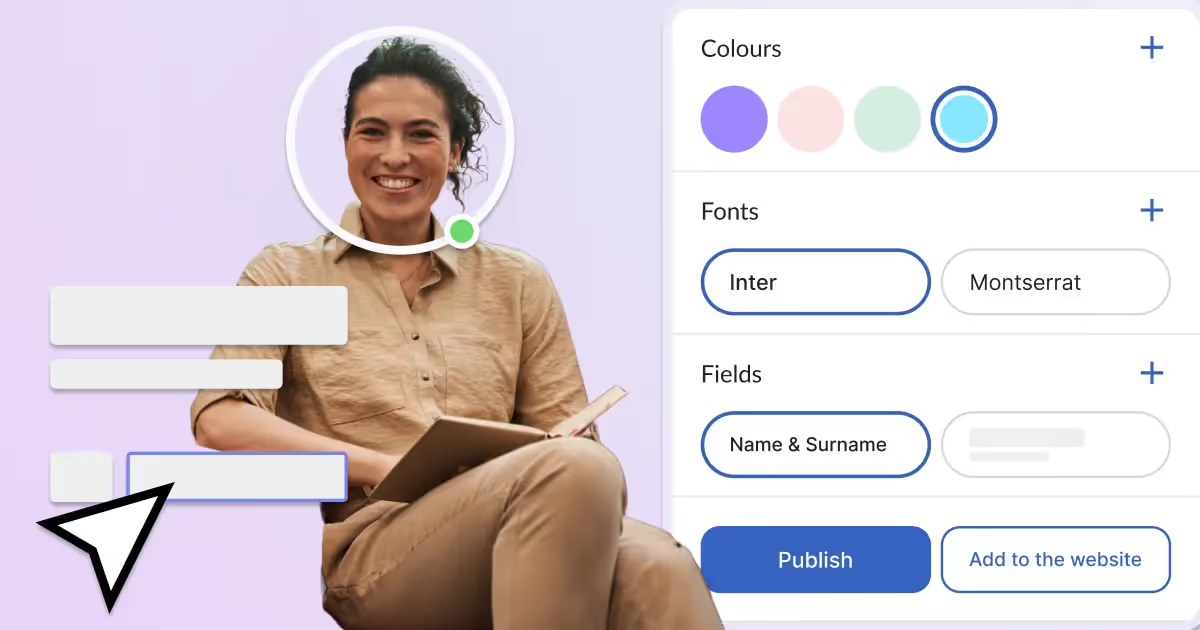
Learn how to personalize your website with Calendesk. After generating and personalizing your subdomain, you can easily publish your site.

Read time: 3 minutes
How to integrate Google Services (Google Calendar and Google Meet)?
Learn how to connect your Calendesk account to Google Calendar and Google Meet. This article explains what these Google services are and how to integrate them.