Calendesk Chat
Read time: 3 minutes
Frequently asked questions about Calendesk Chat
Answers to the most common questions about Calendesk Chat: price, agents, logging in, notifications, cookie banner, suspending and cancelling.
Read time: 3 minutes
How do I connect my own system to Calendesk Chat with webhooks and bots?
For developers: webhooks with chat events, signature checks and bots that reply in conversations.
Read time: 2 minutes
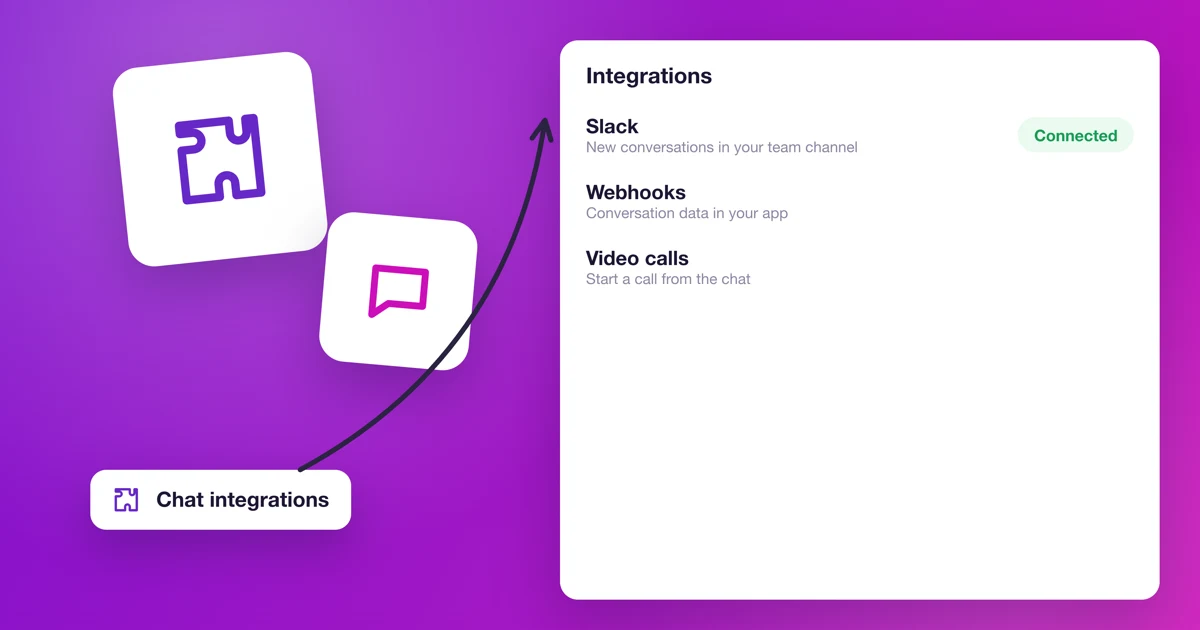
Which integrations does Calendesk Chat have?
Webhooks, Dashboard Apps, Google Translate and Cloudflare RealtimeKit: what each one does and what you need to connect it.
Read time: 2 minutes
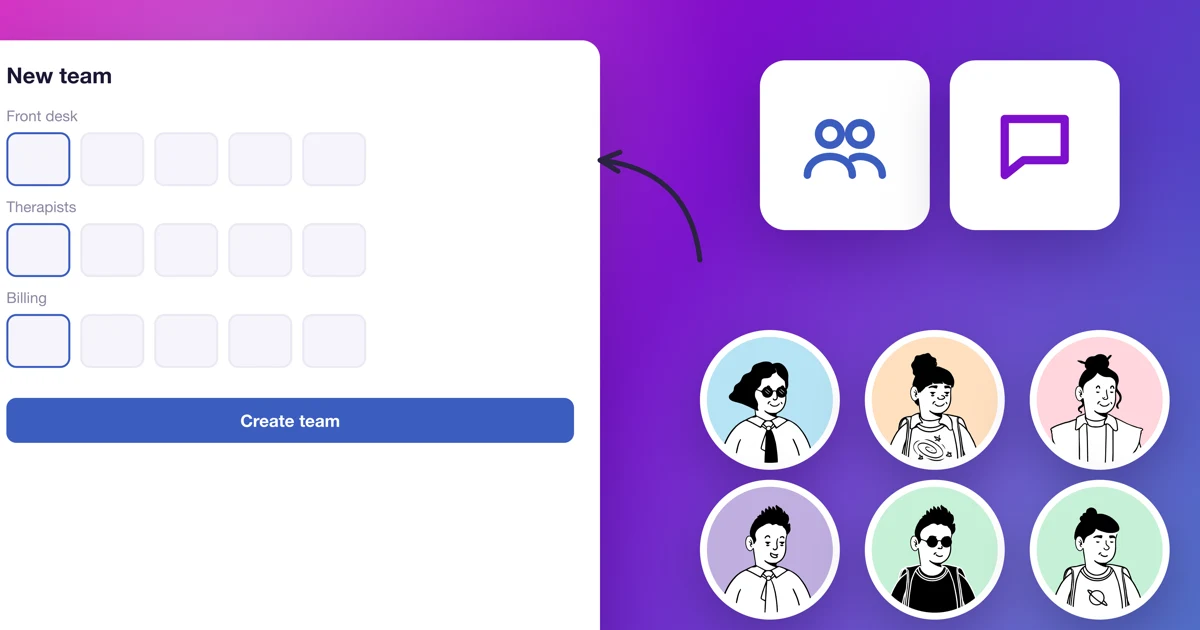
When and how should I create teams in Calendesk Chat?
When teams make sense, how to create one, add agents and hand conversations to a team.
Read time: 2 minutes
How do I set up automation in Calendesk Chat?
Rules that assign, label and resolve conversations by themselves: event, conditions and actions, with examples.
Read time: 2 minutes
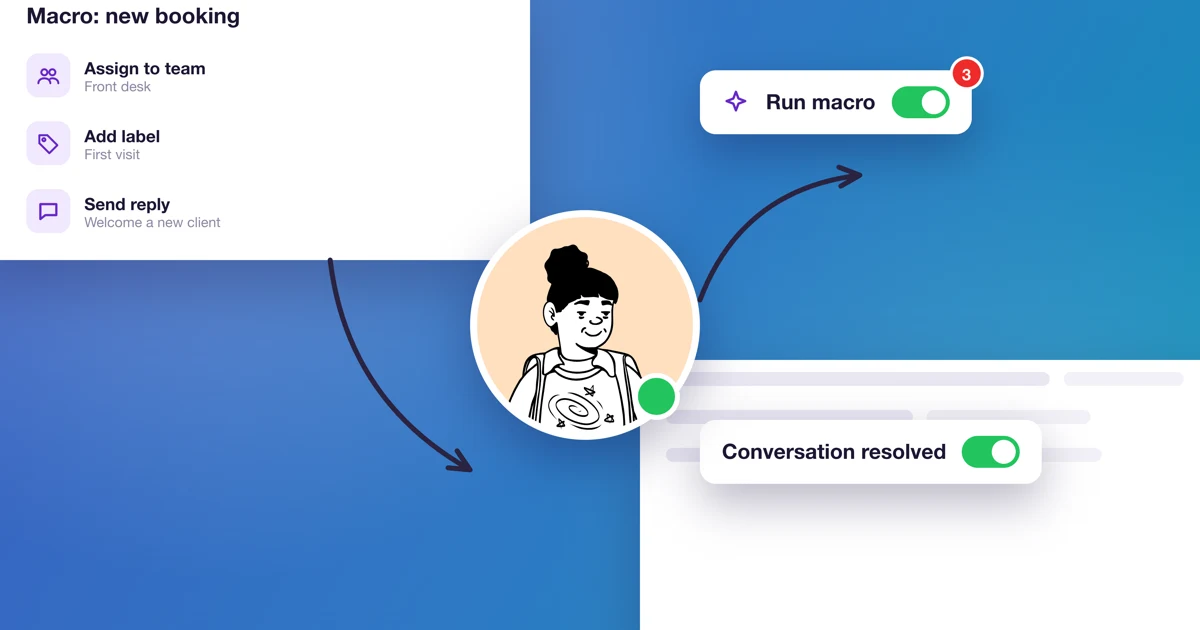
How do macros work in Calendesk Chat?
How to save several actions as a macro and run them with one click in a conversation. With examples for a practice.
Read time: 2 minutes
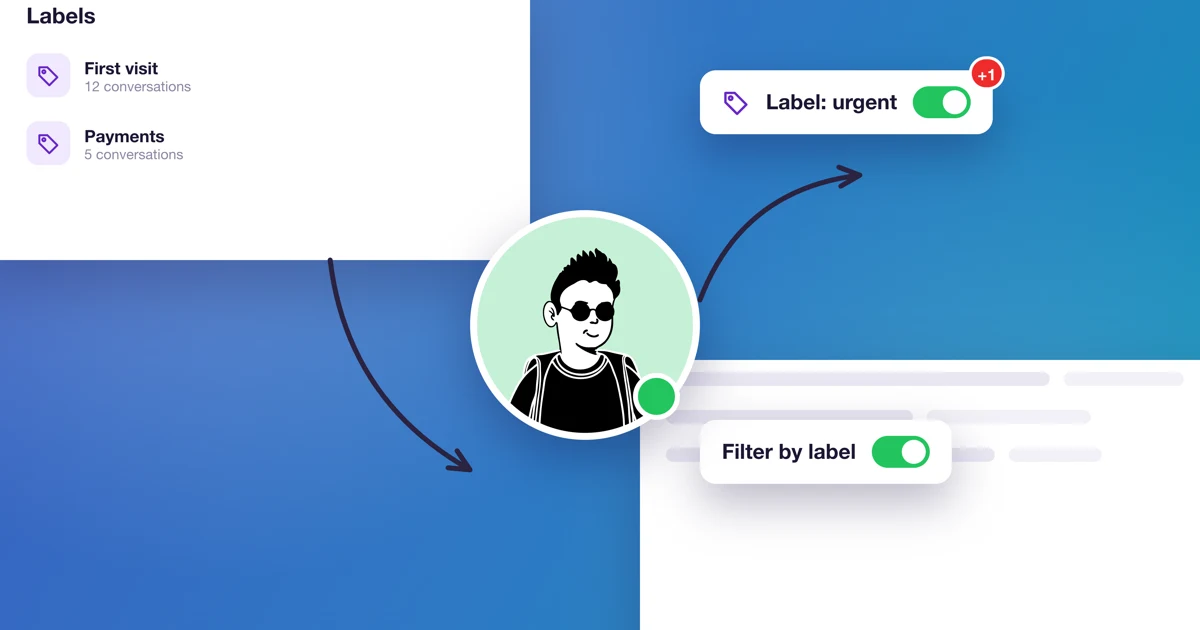
How do I organize conversations with labels and attributes?
How to create labels and add them to conversations, and when and how to add your own fields, called custom attributes.
Read time: 2 minutes
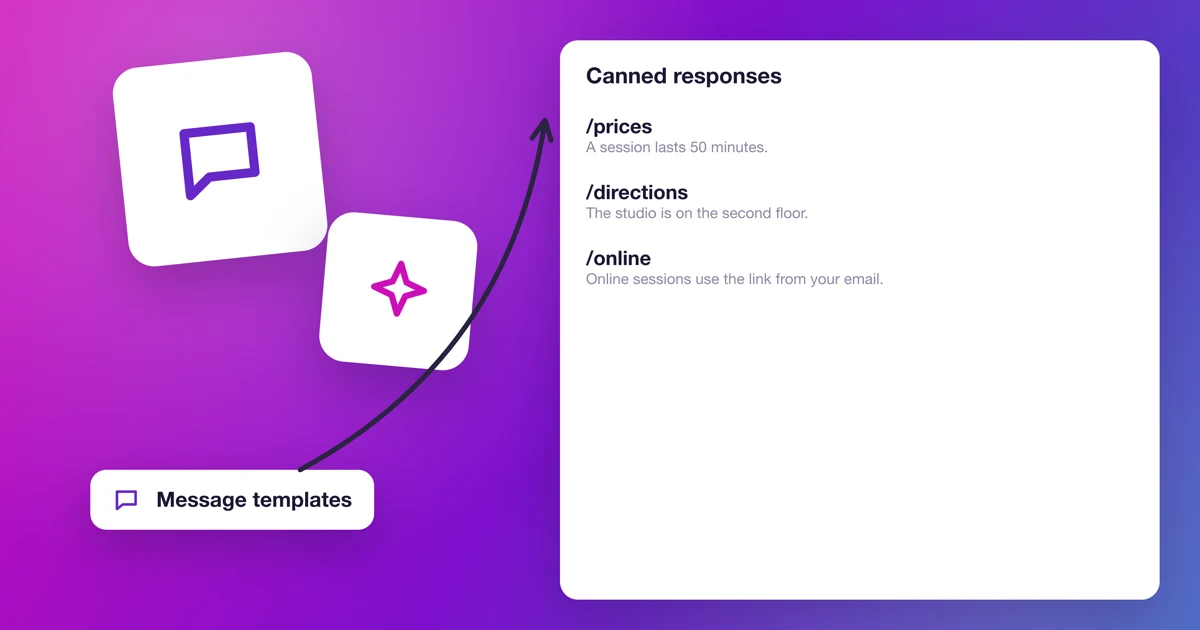
How do I use canned responses in Calendesk Chat?
How to add a reply template, insert the client's name and use the template in a conversation with a slash shortcut. With examples for a practice.
Read time: 3 minutes
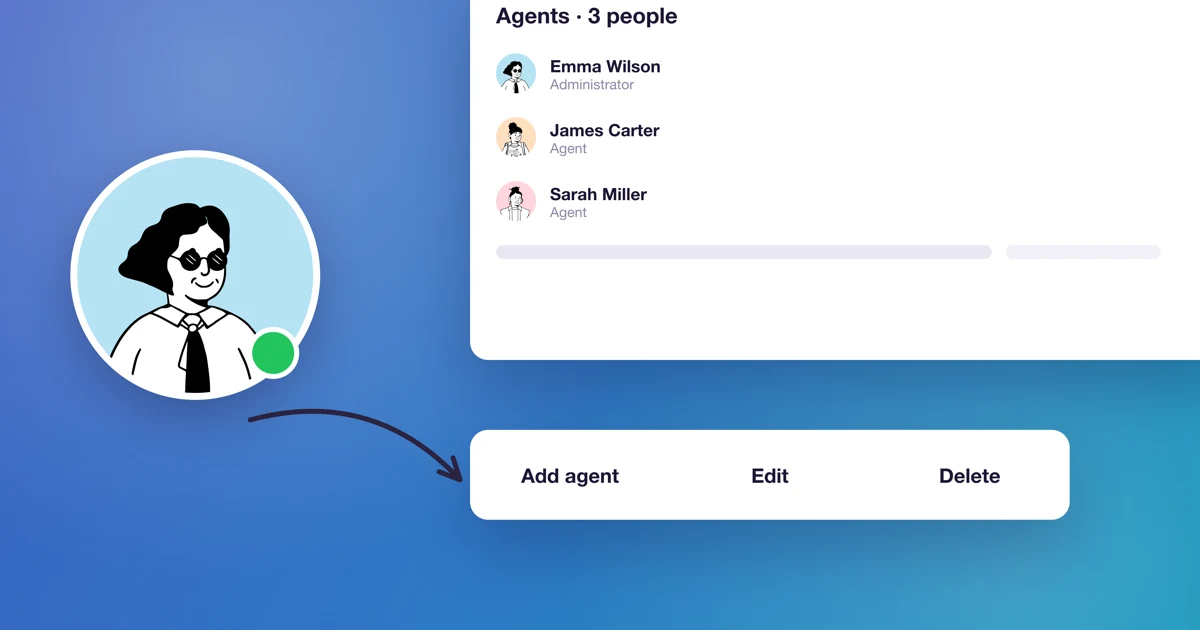
How do I add agents to Calendesk Chat?
Administrator and agent roles, agent slots in the add-on, buying more slots, and inviting, editing and removing agents.
Read time: 3 minutes
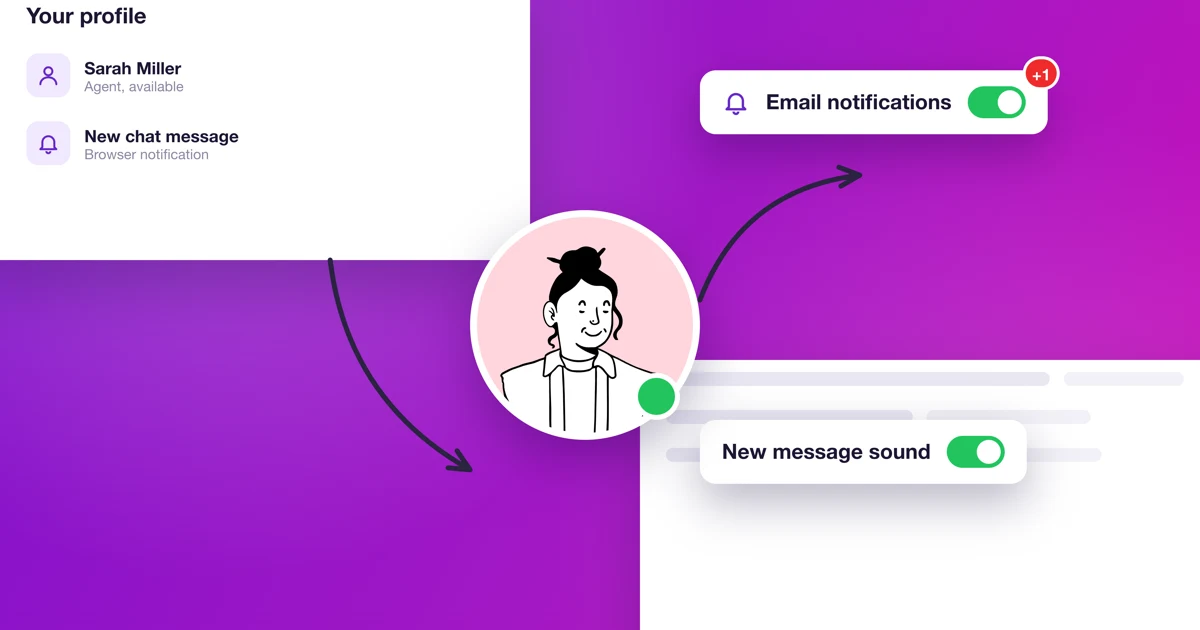
How do I set up my profile and notifications in Calendesk Chat?
An agent's picture, name, signature and password, email, push and audio notifications, and availability status.
Read time: 4 minutes
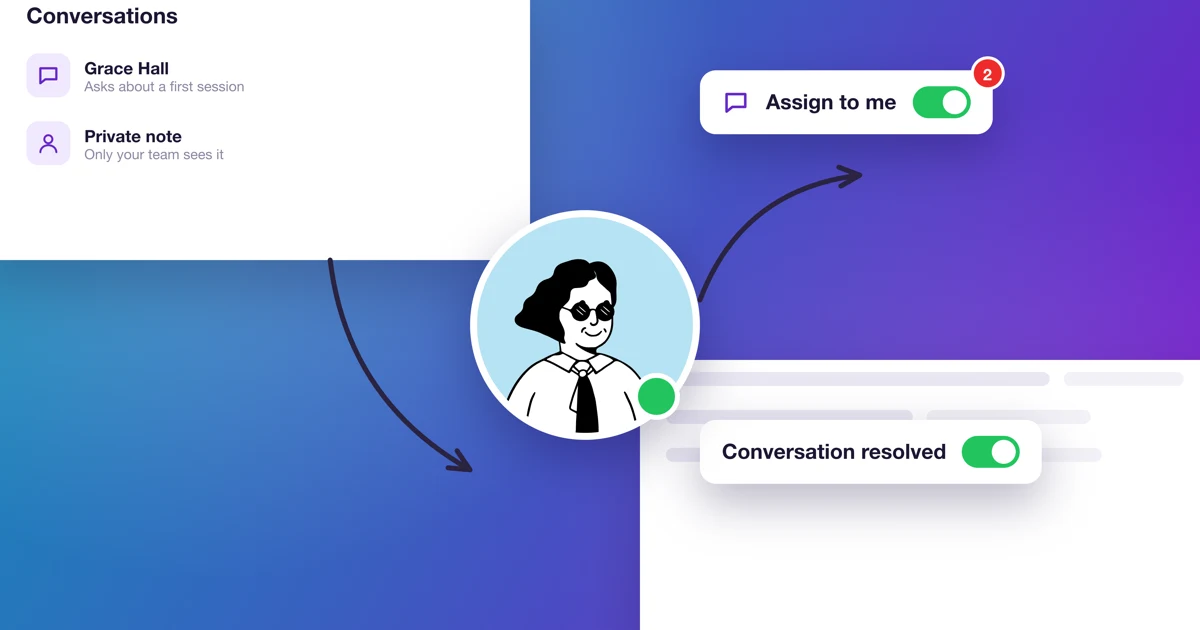
How do I handle conversations in Calendesk Chat day to day?
Replying, private notes, assigning, resolving and snoozing conversations, plus auto-resolving conversations nobody replies to.
Read time: 4 minutes
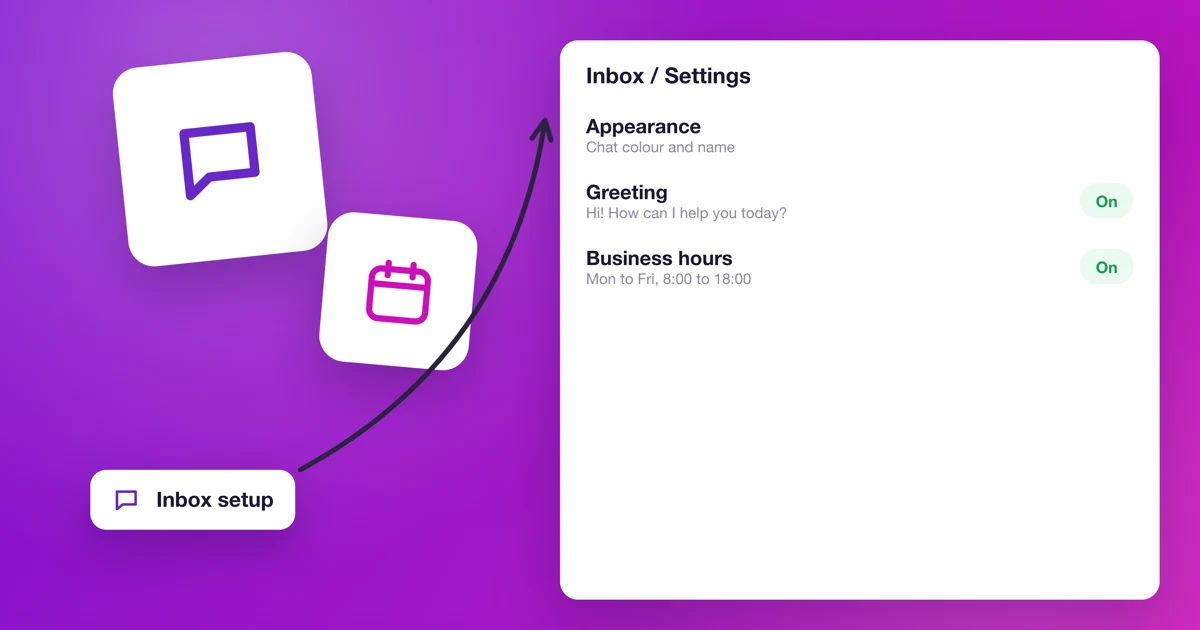
How do I set up the chat's look, greeting and business hours?
Color, greeting, bubble, pre chat form, business hours and the inbox's agents: every setting for the chat window on your website.
Read time: 5 minutes
How do I add Calendesk Chat to my website?
How to create an inbox for your website, copy the chat script and paste it into a Calendesk website, Google Tag Manager or any other site, cookie banner included.
Read time: 3 minutes
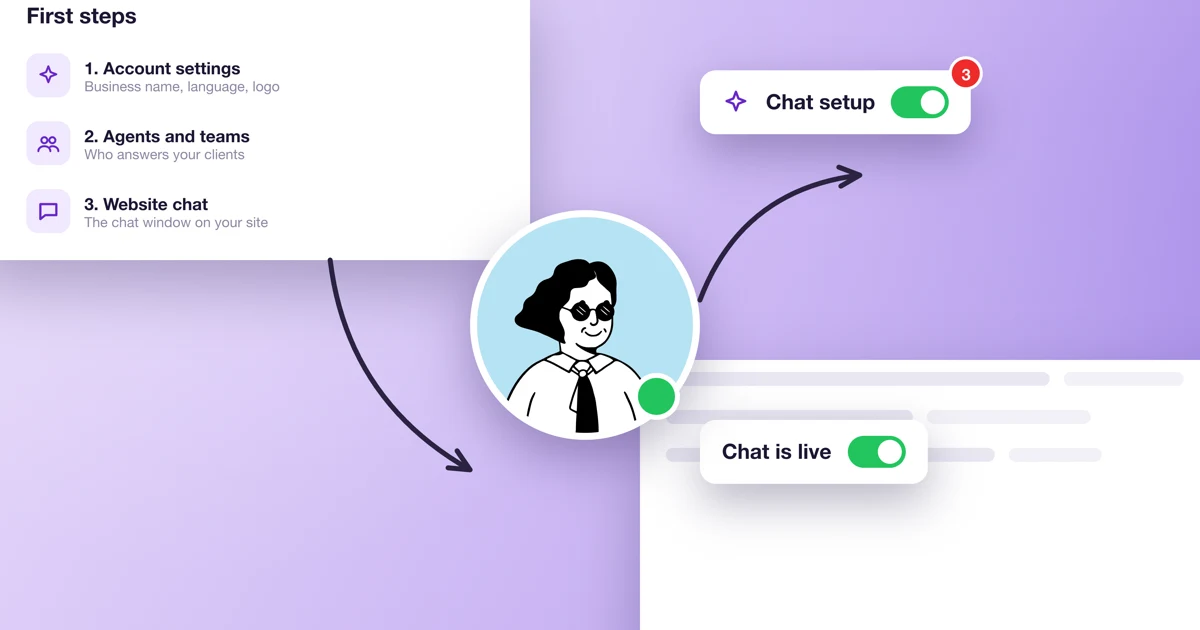
How do I get Calendesk Chat running on my website in 15 minutes?
Five steps from the first login to a test message: the chat dashboard, notifications, an inbox for your website, the script on your site and a test.
Read time: 4 minutes
What is Calendesk Chat and how do I turn it on?
What Calendesk Chat is, who it's for, how per-agent pricing works on the Standard and Pro plans, and how to buy it, set it up and open it from the Calendesk menu.
Read time: 4 minutes
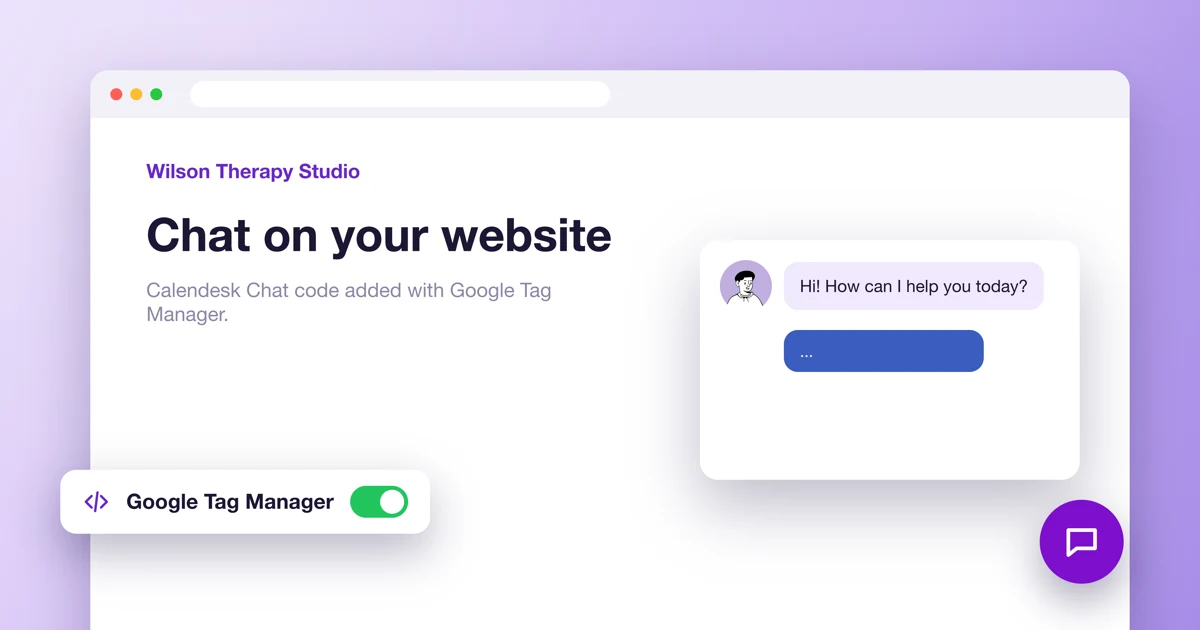
How to add Calendesk Chat to your website with Google Tag Manager?
Add the Calendesk Chat window to your website with Google Tag Manager: chat setup, the script, the tag and publishing.
