Calendesk Help Center Articles: Discover how to swiftly begin with Calendesk, covering everything from registration to initial setup.
Read time: 7 minutes
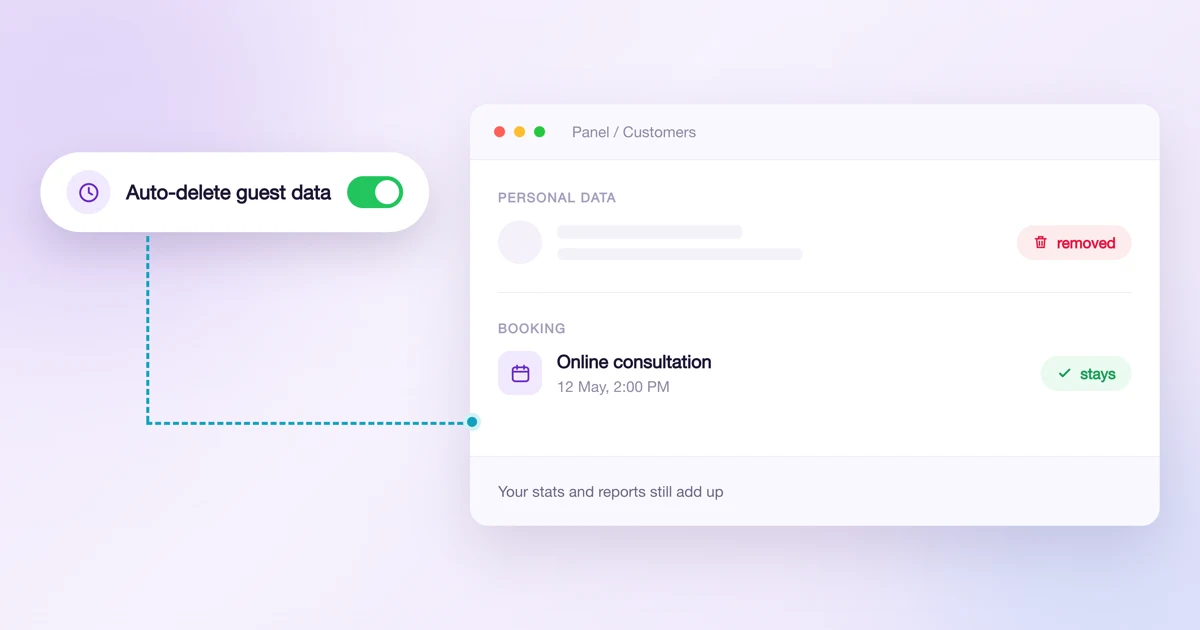
Privacy: automatic deletion of customer data, account history and passwords
Set it once and Calendesk deletes the data of people who booked without an account every night. See exactly what goes, who is never deleted, and where to get the log for your data protection officer.
Read time: 9 minutes
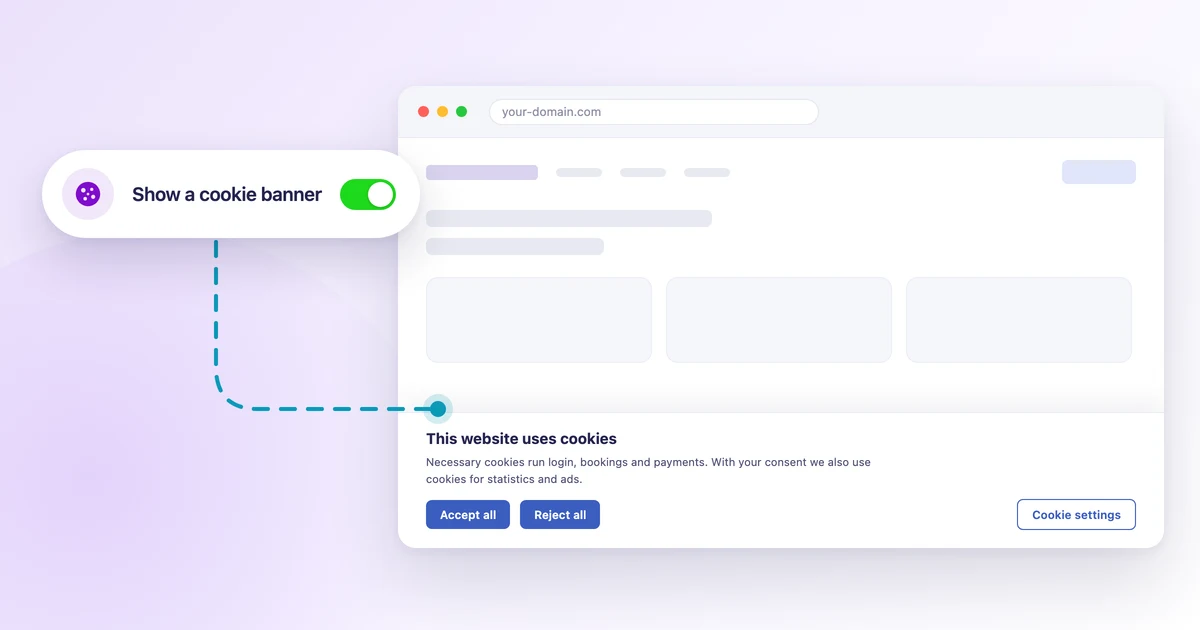
How to add a cookie banner to your website?
Add a cookie banner to your Calendesk website: visitor consent, categories, Google Tag Manager and custom scripts. Ready texts and one tick.
Read time: 8 minutes
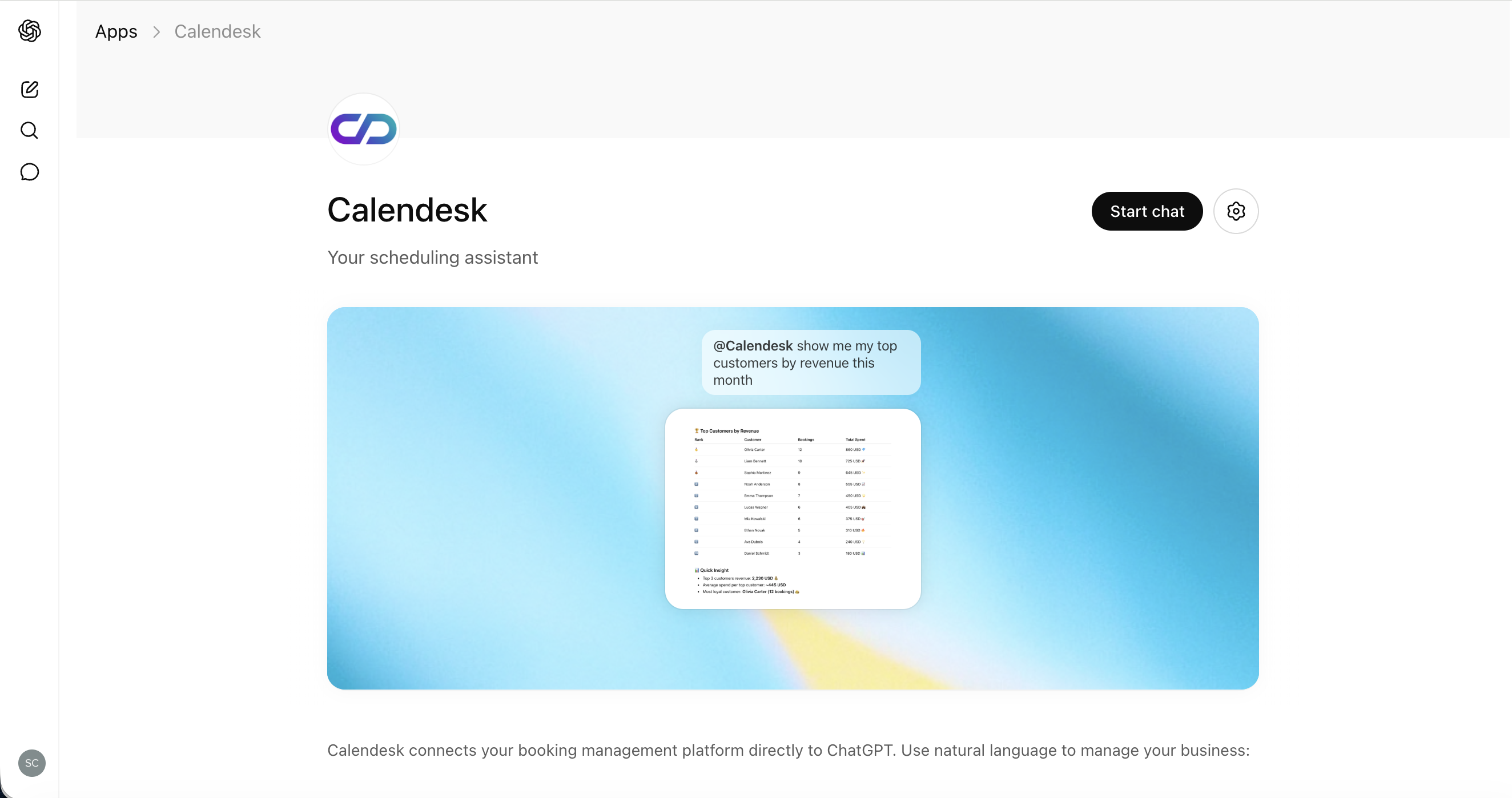
Calendesk MCP: connect your AI assistant to Calendesk
One server, many assistants. Connect Calendesk to ChatGPT, Claude or any MCP-compatible client and manage your bookings, customers and statistics simply by chatting.

Read time: 6 minutes
Reports in Calendesk – a new section for your business analytics
We have brilliant news for all Calendesk customers! We've introduced an entirely new section in the admin panel – Reports – which lets you view your business through the lens of numbers, trends and specific metrics. As a result, you can see in one place how your company is growing, which clients are coming back, which services sell best and when your team is actually working.
Read time: 4 minutes
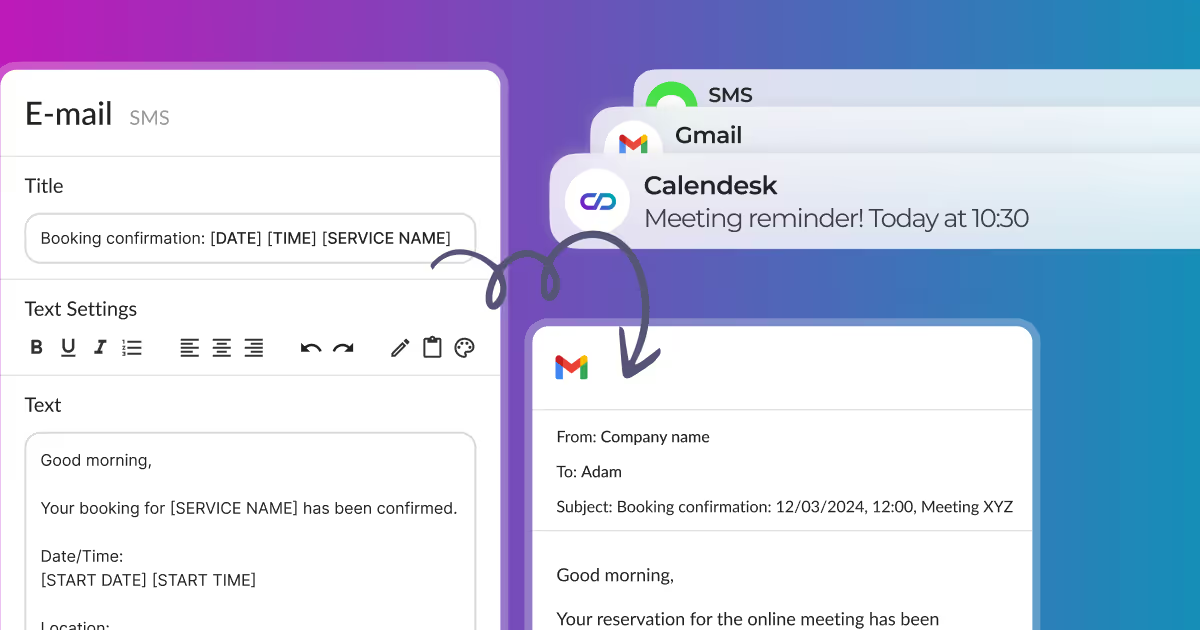
How can I edit email, SMS, and push notifications?
Edit email, SMS, and push notifications sent to clients and employees from our appointment booking system. Customize content freely in the Notification Editing section.
Read time: 3 minutes
How to change contact details and company name?
Learn how to configure your Calendesk account for contact details and company name. Provide your clients with accurate information easily.
Read time: 3 minutes
How to change my account password and details?
After clicking Additional options in the employee profile, as shown in the image below, you can change the basic details of your account, such as:
Read time: 2 minutes
Where can I find invoices for Calendesk services?
Learn how to add a payment method and find tax invoices for your Calendesk services. This article provides step-by-step instructions and visual guides.
Read time: 3 minutes
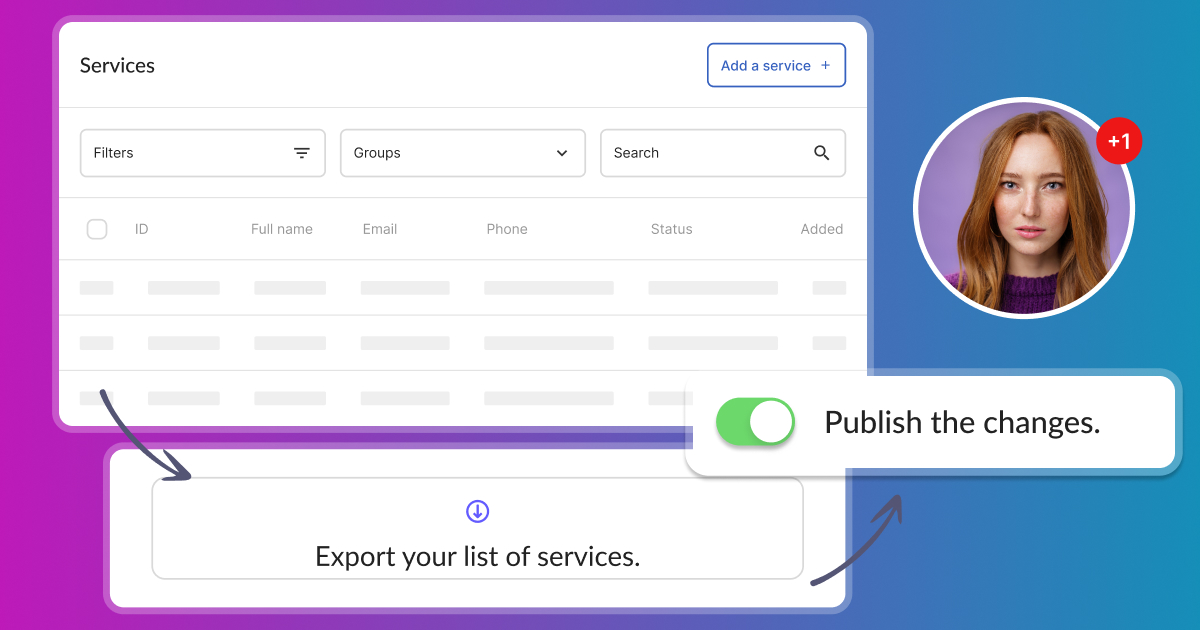
How to add a service?
In the Offer – Services section, you can add a new service that your customers can use. You can add it using the Add a Service button.
Read time: 4 minutes
How to acces and manage services?
Access and manage your services in Calendesk. View your added services in the Offer – Services tab within the Calendesk panel.
Read time: 2 minutes
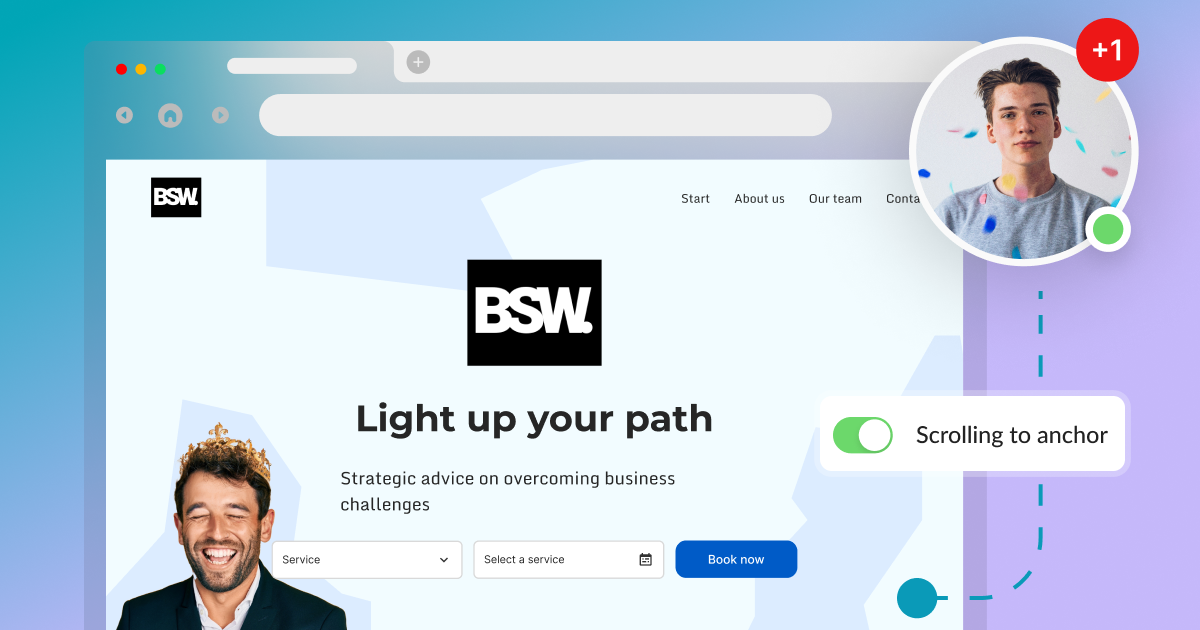
Scrolling to an anchor on a landing page created in Calendesk.
If you are building a landing page and want header tabs to redirect customers to specific sections, this guide shows you how to scroll to an anchor in Calendesk.
Read time: 2 minutes
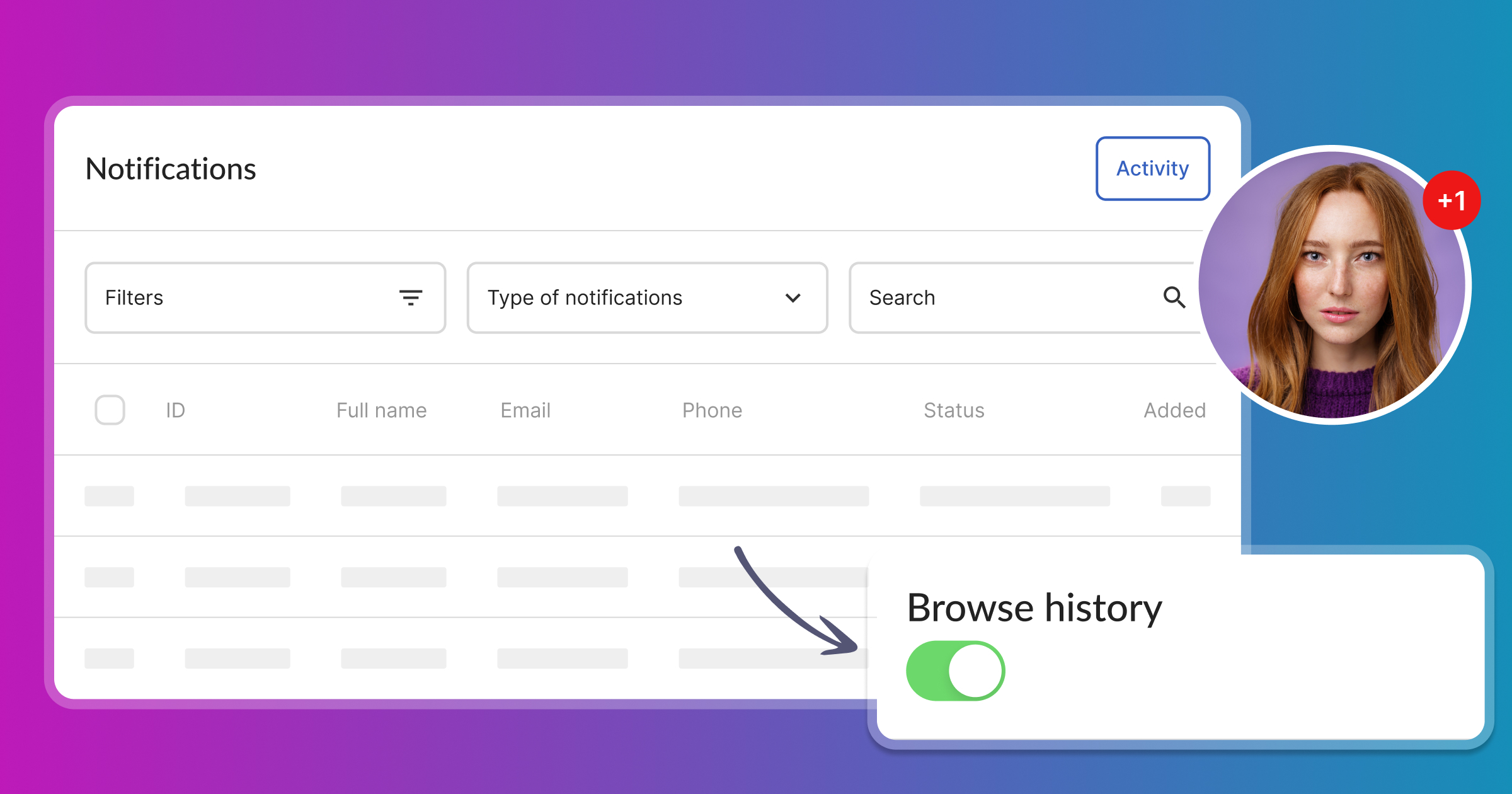
Where can I find the messages sent to customers?
The Notifications - Activity tab in Calendesk allows you to check if the system has sent a notification or reminder to a client or staff member.
Read time: 4 minutes
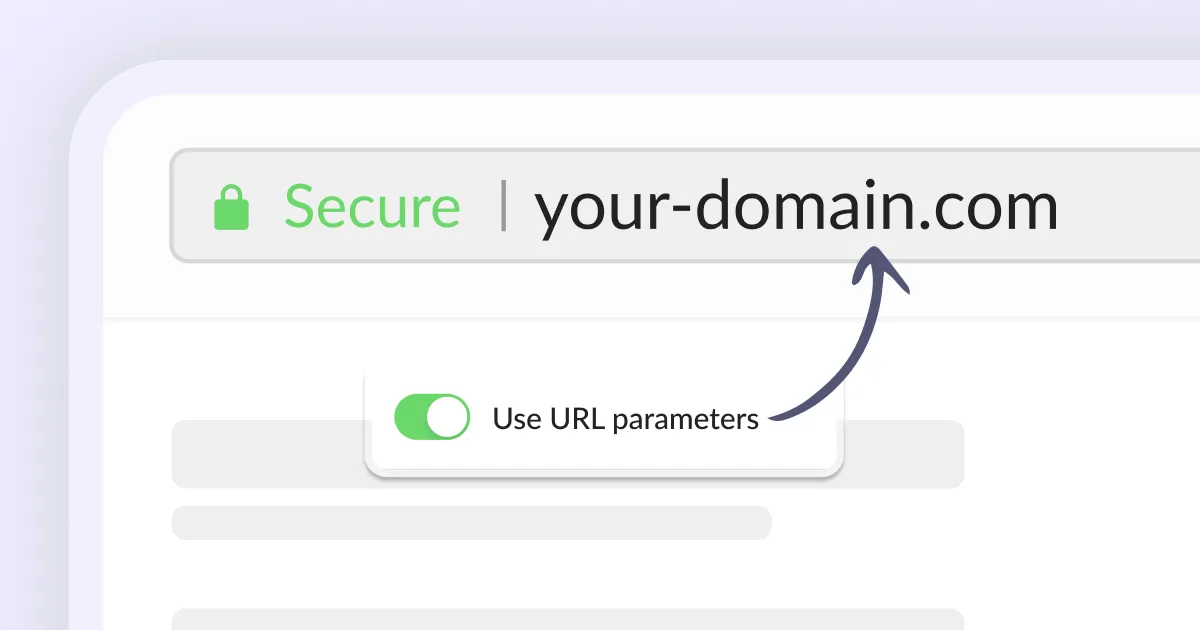
How to pre-fill your booking form using URL parameters?
Pre-fill your booking form with client details using URL parameters for a smoother booking process with Calendesk.
Read time: 2 minutes
How to delete your account in Calendesk?
How to delete your account in Calendesk? Deleting your Calendesk account depends on your type of association with us. We prioritize your data privacy and security.
Read time: 2 minutes
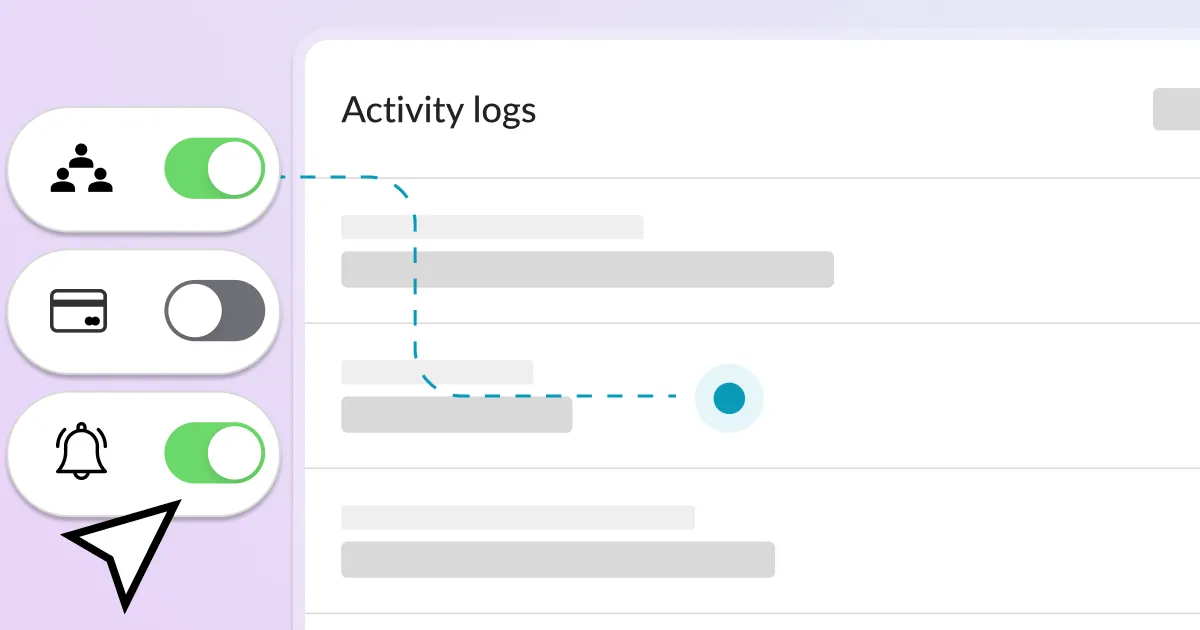
What are activity logs and where to find them?
Activity logs, in simple terms, are like a computer's or a booking system's journal. They record some of the actions that have taken place in the system.
Read time: 2 minutes
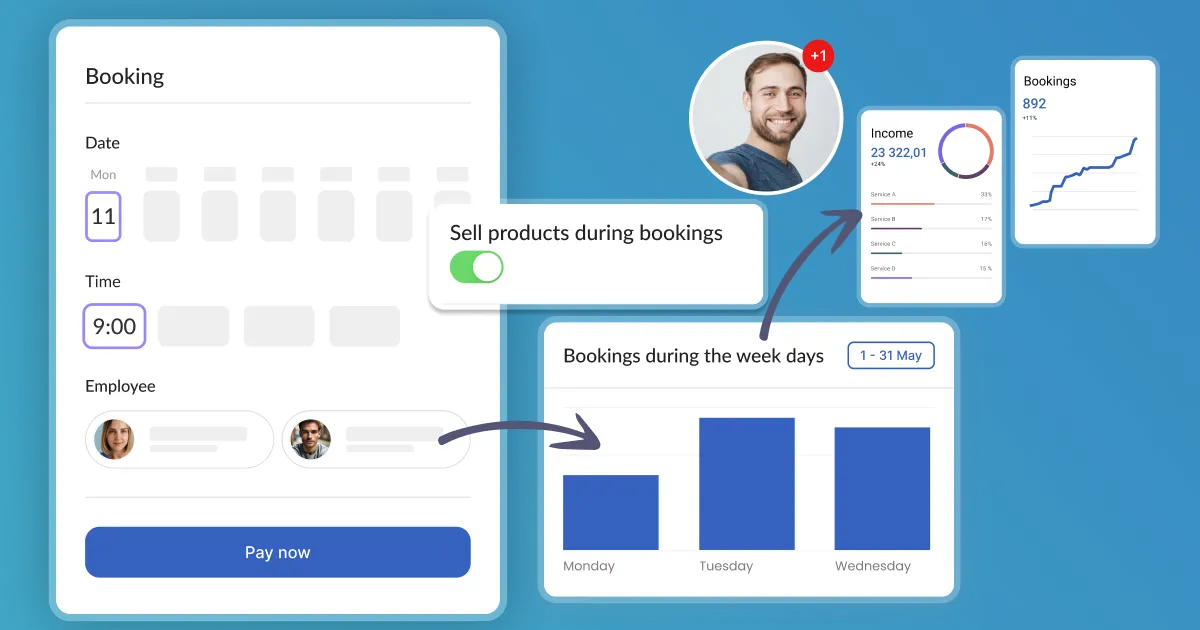
How can I customize services with an upselling description?
At Calendesk, gain more control over your customer experience by customizing services with our powerful Upselling descriptions.

Read time: 2 minutes
How can I integrate BlogHandy with Calendesk?
Integrate BlogHandy with Calendesk to run a blog seamlessly on your website. BlogHandy is an easy-to-use external blogging tool.
Read time: 2 minutes
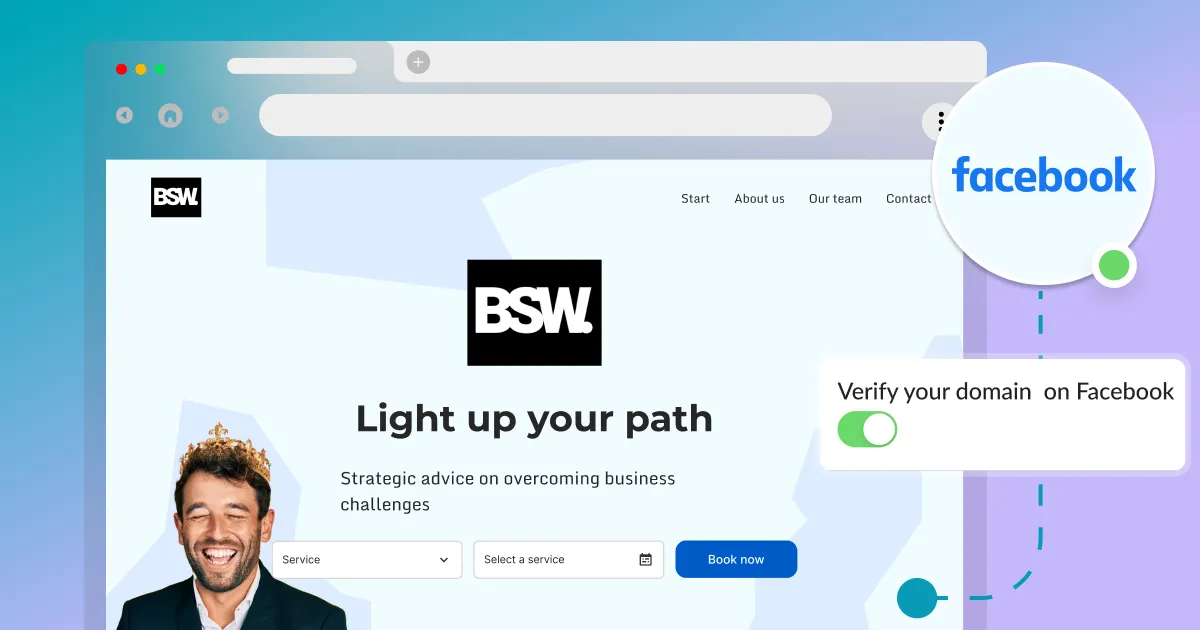
How to verify a domain on Facebook?
Verify your domain on Facebook with this short guide. Essential if you use Facebook Business Manager and Facebook Ads to ensure proper functionality.
Read time: 2 minutes
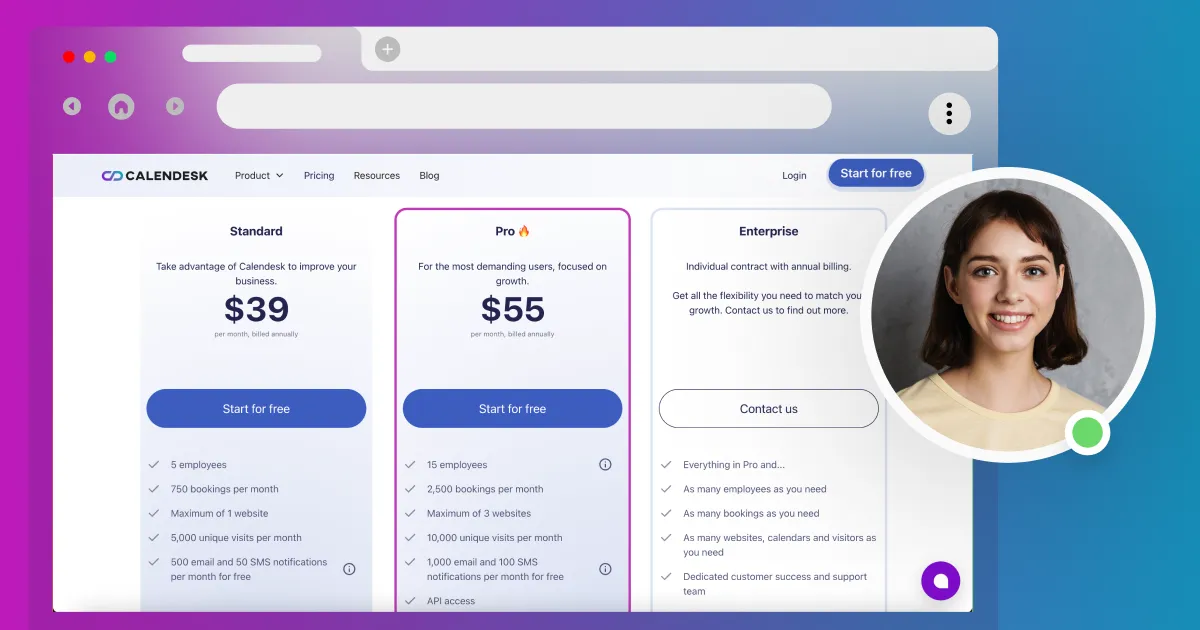
How can I manage my Calendesk subscription?
Manage your Calendesk subscription easily. Learn how to update your plan or cancel your subscription if you are a user.
Read time: 3 minutes
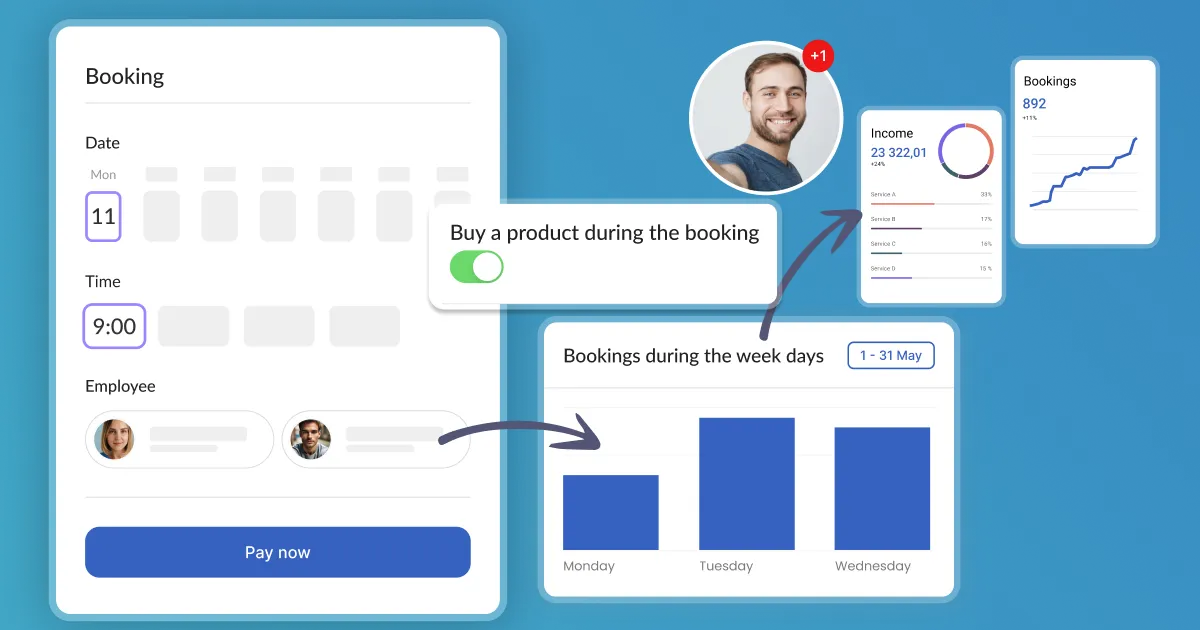
How can I integrate upselling during the booking process to increase sales?
Upselling is a sales technique that encourages a customer to buy a more expensive product or service or add additional features or functions. For companies, it's a great way to increase revenue.
Read time: 1 minutes
How to connect to Calendesk using RESTful API?
Learn how to generate an API Key for Calendesk. Sign in to your Calendesk Admin Panel, click Integrations, and select Account Integrations to connect via RESTful API.
Read time: 2 minutes
How to use Calendesk with Zapier?
Connect Calendesk with over 5,000 integrations! Zapier allows you to create chains of connections and automation between seemingly unrelated applications.
![[Technical] Listen to events on the website](https://assets.calendesk.com/662e5ba87e7435cd761056b2_technical-listen-to-events-on-the-website.webp)
Read time: 6 minutes
[Technical] Listen to events on the website
This article is technical and requires basic JavaScript knowledge. Learn how Calendesk can call global functions on your website and listen to events.
Read time: 2 minutes
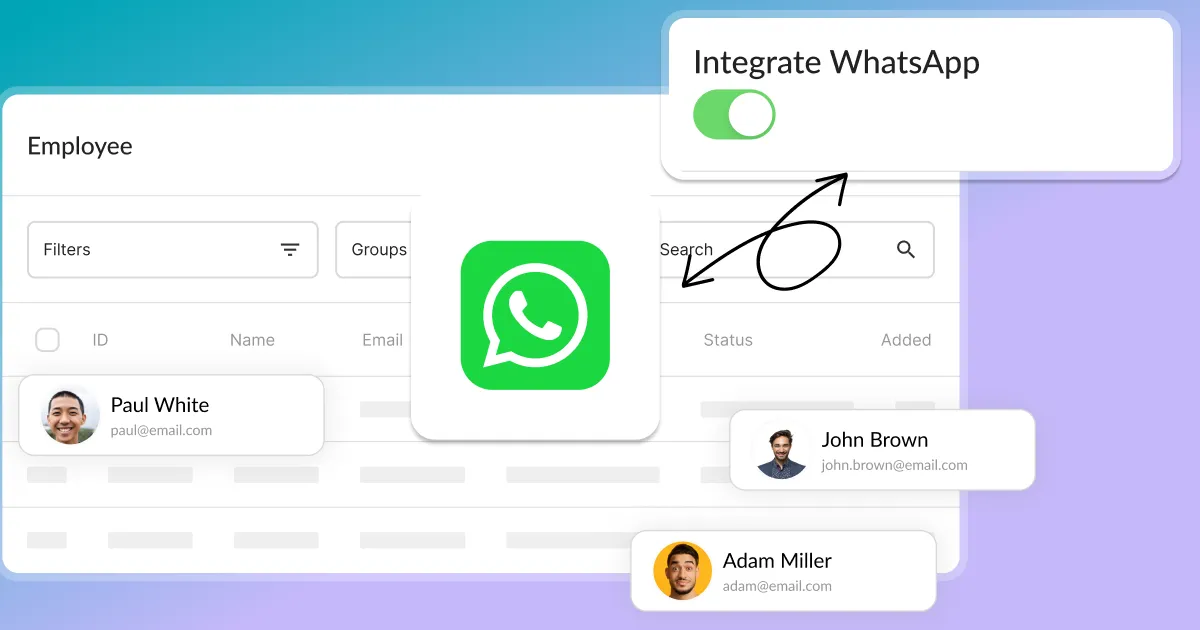
How to integrate WhatsApp?
Learn how to connect your WhatsApp account with your Calendesk employee account. WhatsApp is one of the world's most popular free messaging apps.
Read time: 2 minutes
How do you create discount codes?
Today, when competition is fierce, becoming attached to one brand is difficult. Discover how to create discount codes to attract and retain customers.
Read time: 3 minutes
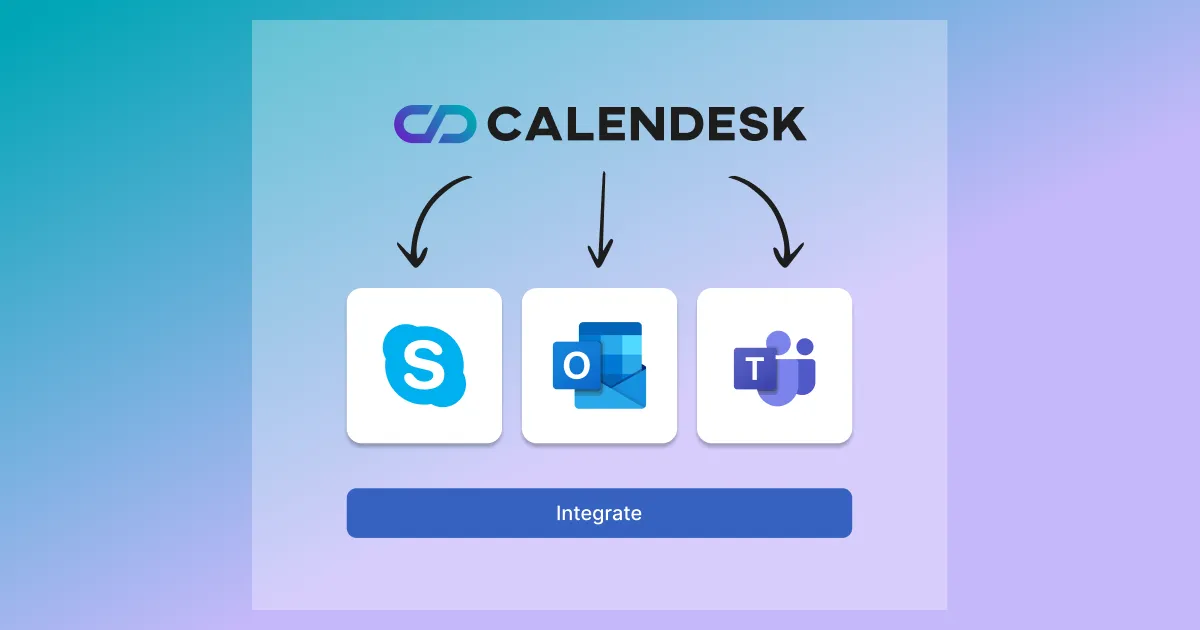
How to integrate Microsoft Services (Outlook Calendar, Teams, and Skype) with your system?
Synchronize your Outlook calendars and automatically create meeting links to Microsoft Teams or Skype. This article will show you how to connect your Calendesk account to Microsoft services.
Read time: 3 minutes
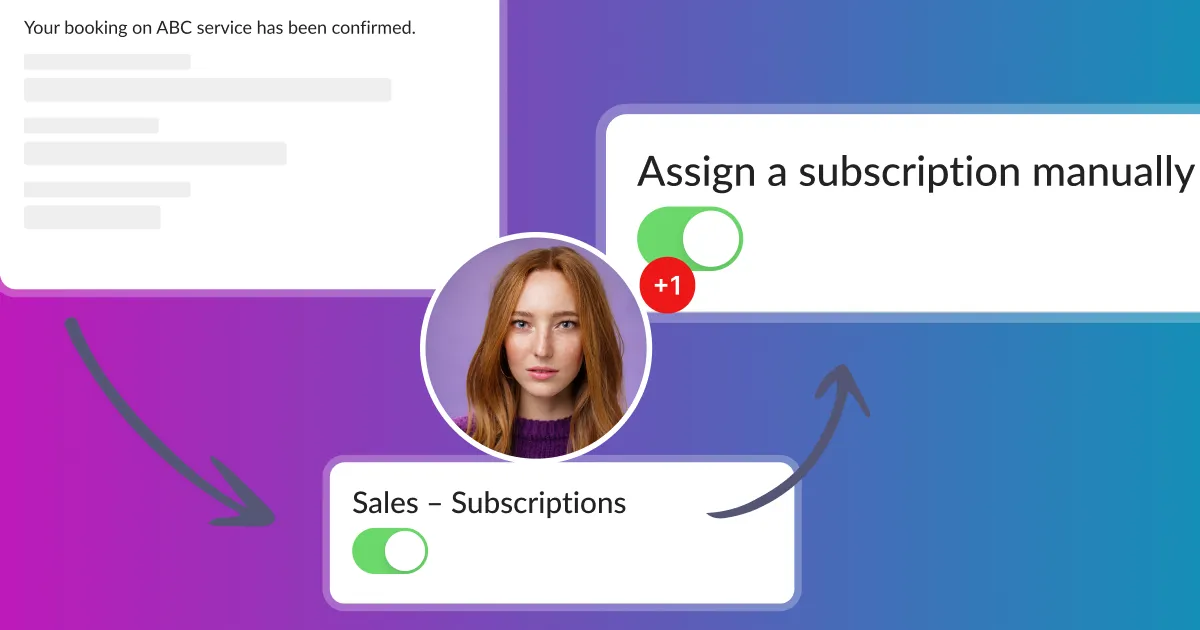
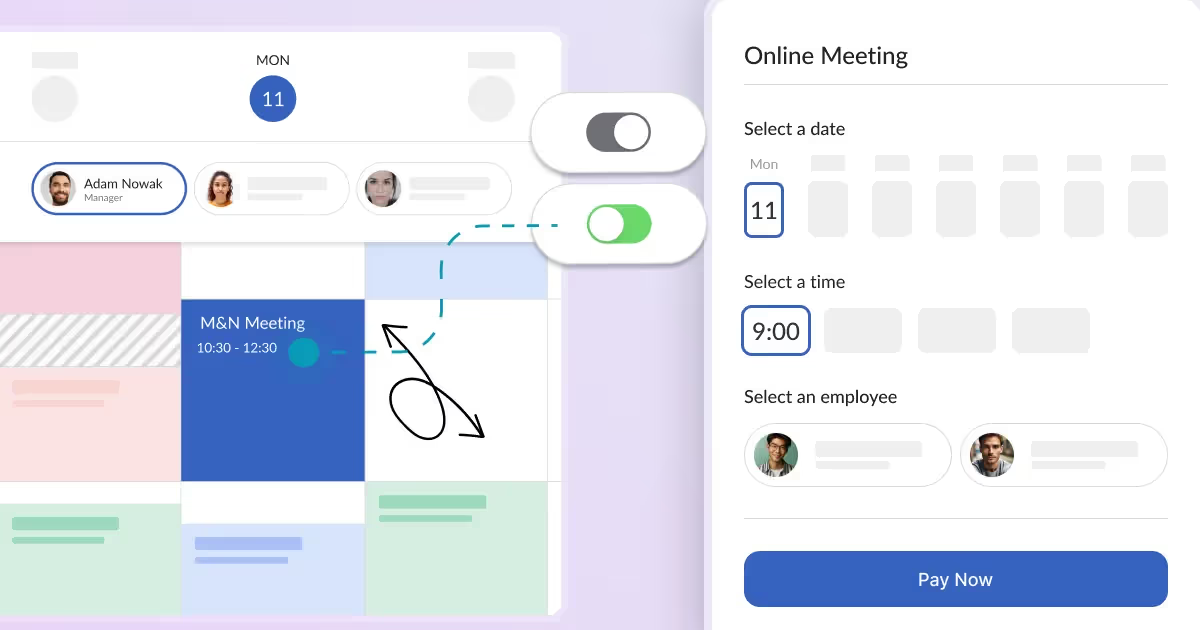
How to manually create customer subscriptions or one-time fee packages?
Customers can subscribe to subscriptions or purchase one-time fee packages using your website. They are two ways to do so, you can redirect directly to the booking page.
Read time: 3 minutes
How can your customers manage their bookings?
Every booking system should have features allowing you to accept customer bookings automatically. A significant part of a booking system is to allow your customers to manage their bookings easily.
Read time: 2 minutes
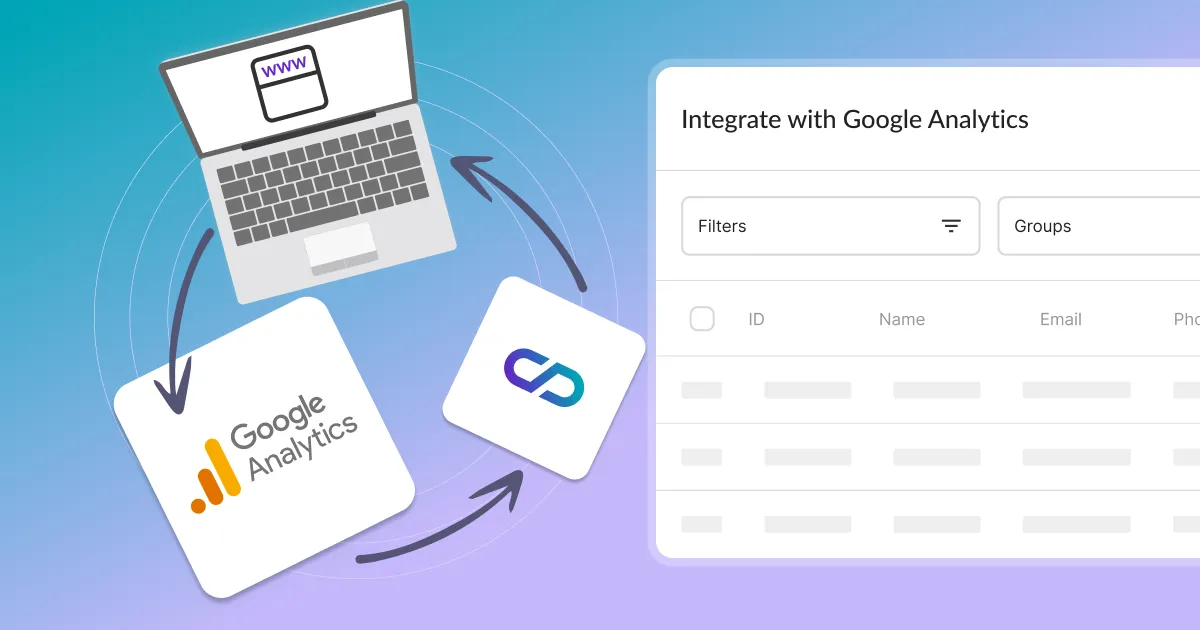
How to add Google Analytics, Facebook Pixel, and other custom scripts?
Learn how to add custom scripts like Google Analytics, Facebook Pixel, and Livechat to Calendesk. We offer two easy ways to integrate your tracking codes.
Read time: 2 minutes
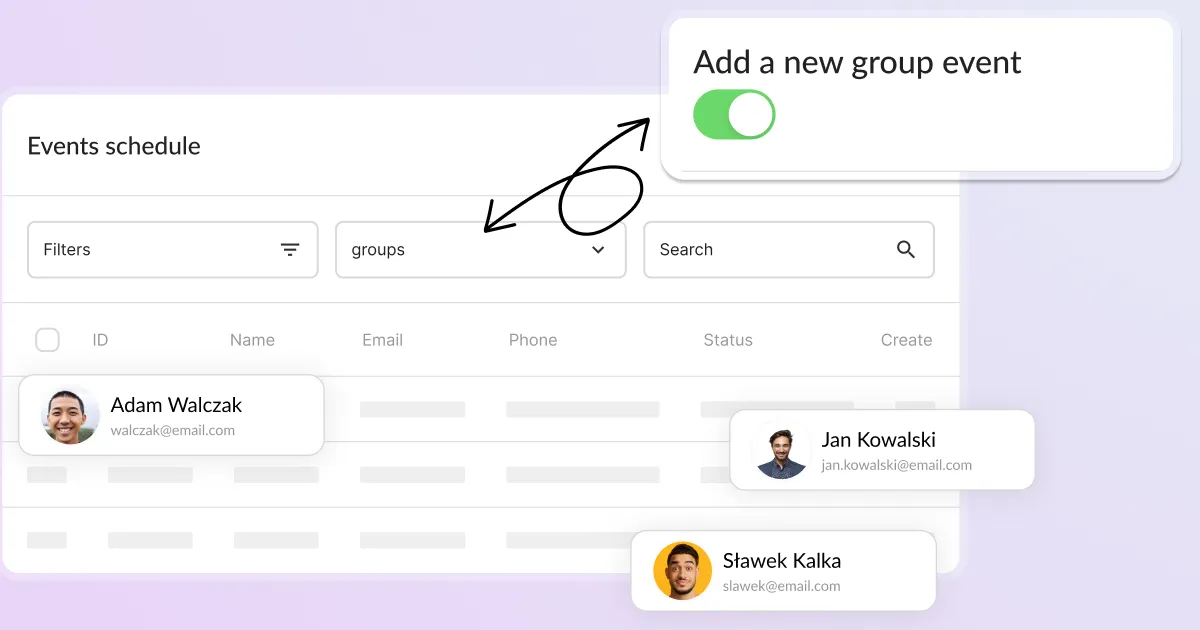
How to set up a group events?
How to create a booking service? In order to offer bookings for your services in Calendesk, you need to go to the "Offer / Services" tab. Use Calendesk to set up group events.