Services
Read time: 3 minutes
How to add a service?
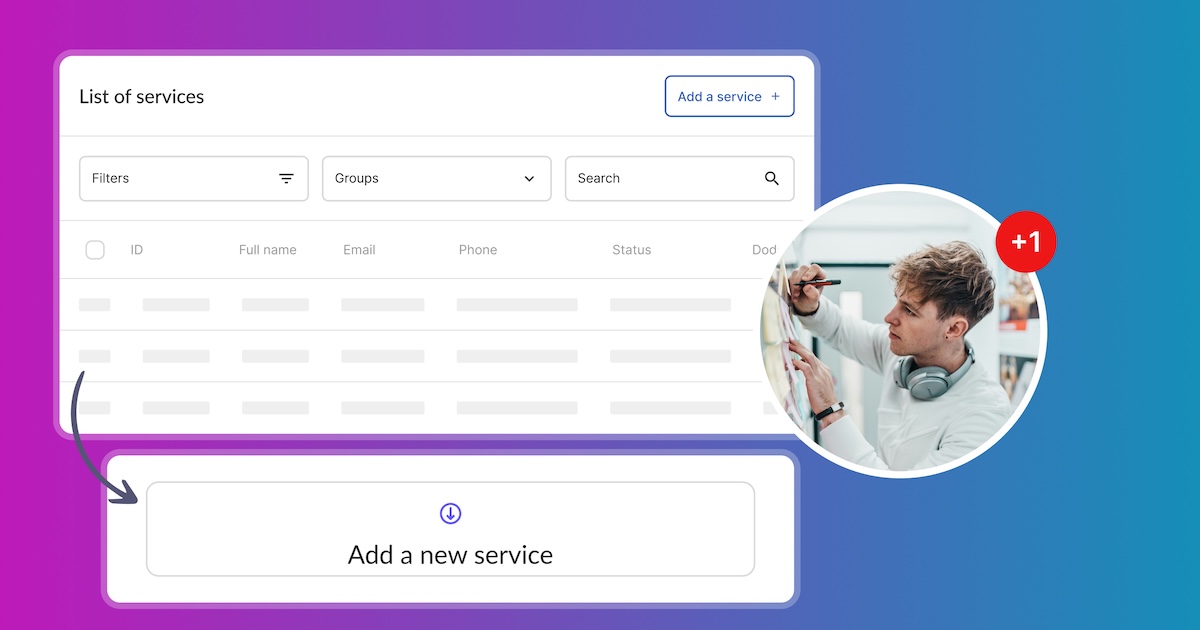
In the Offer – Services section, you can add a new service that your customers can use. You can add it using the Add a Service button.
Read time: 4 minutes
How to acces and manage services?
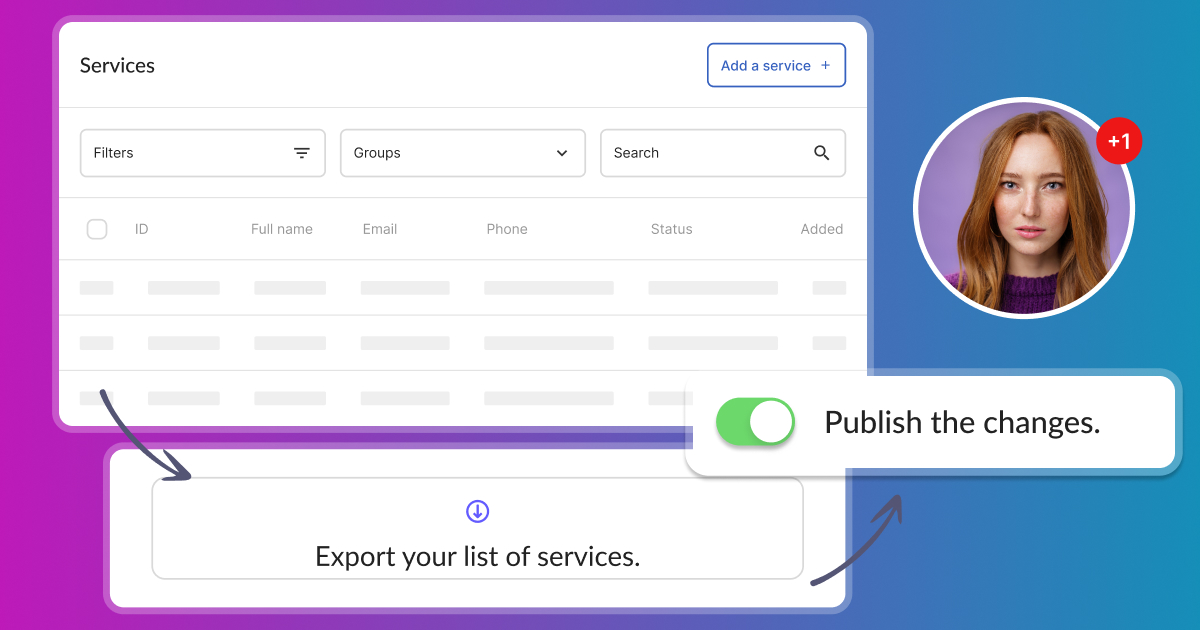
Access and manage your services in Calendesk. View your added services in the Offer – Services tab within the Calendesk panel.
Read time: 2 minutes
How can I customize services with an upselling description?
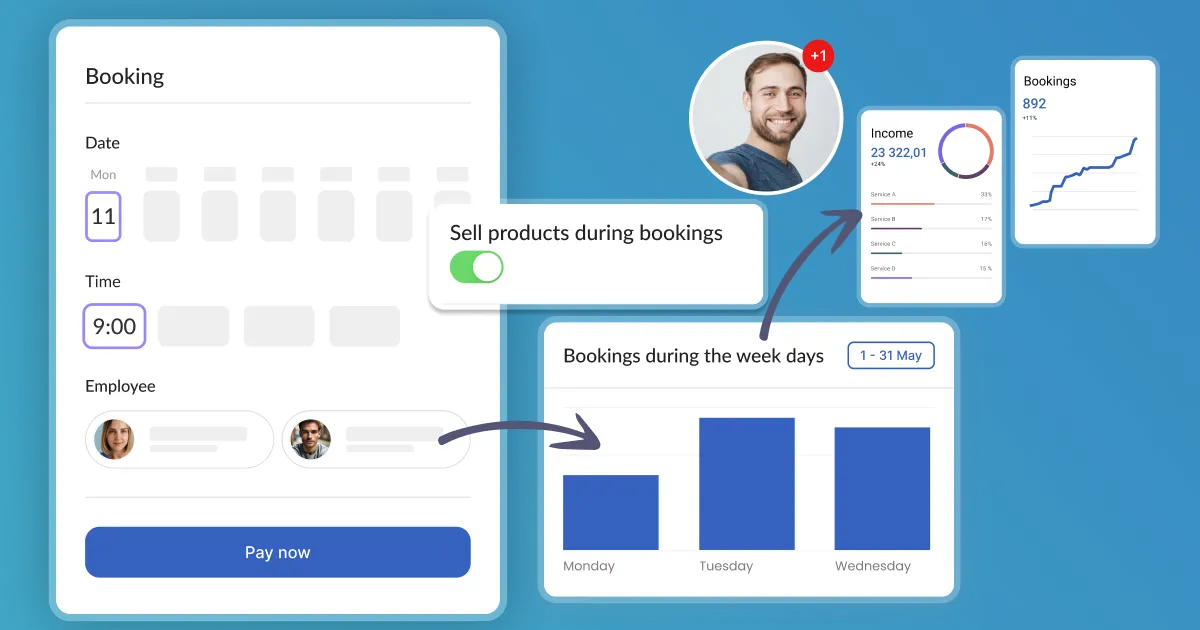
At Calendesk, gain more control over your customer experience by customizing services with our powerful Upselling descriptions.
Read time: 3 minutes
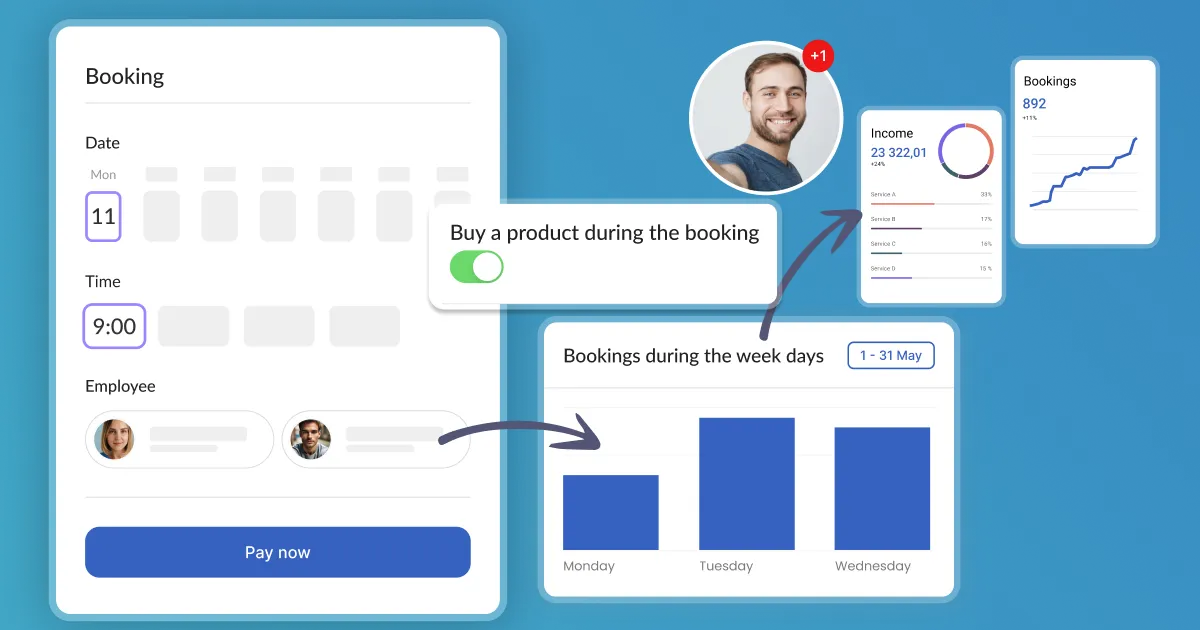
How can I integrate upselling during the booking process to increase sales?
Upselling is a sales technique that encourages a customer to buy a more expensive product or service or add additional features or functions. For companies, it's a great way to increase revenue.
Read time: 2 minutes
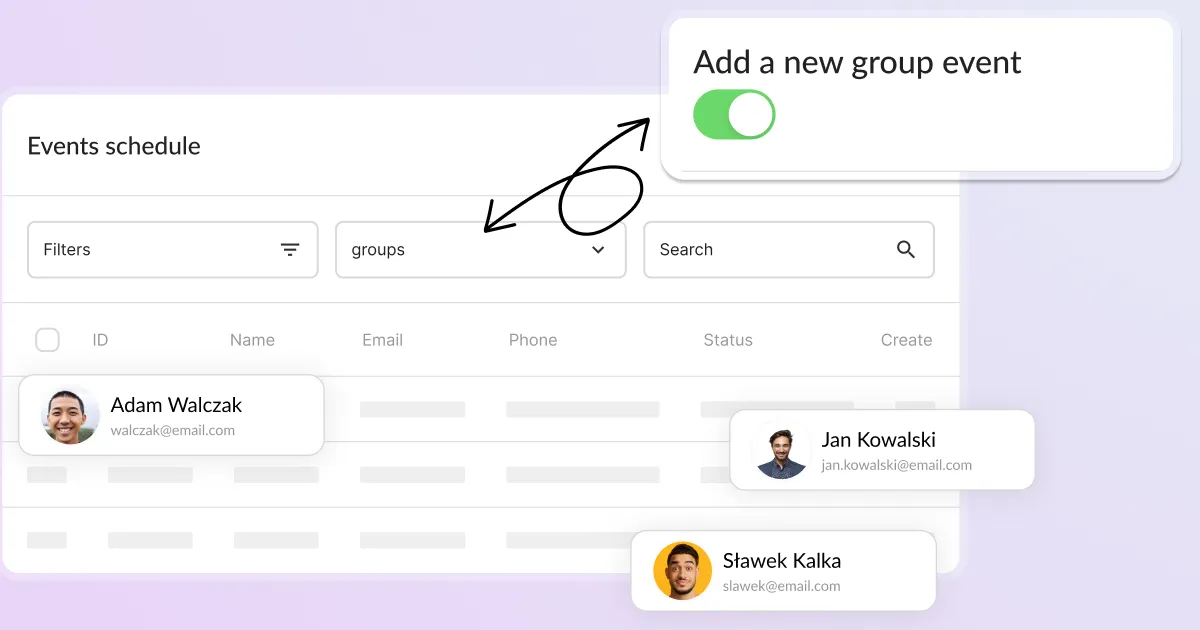
How to set up a group events?
How to create a booking service? In order to offer bookings for your services in Calendesk, you need to go to the "Offer / Services" tab. Use Calendesk to set up group events.
Read time: 2 minutes
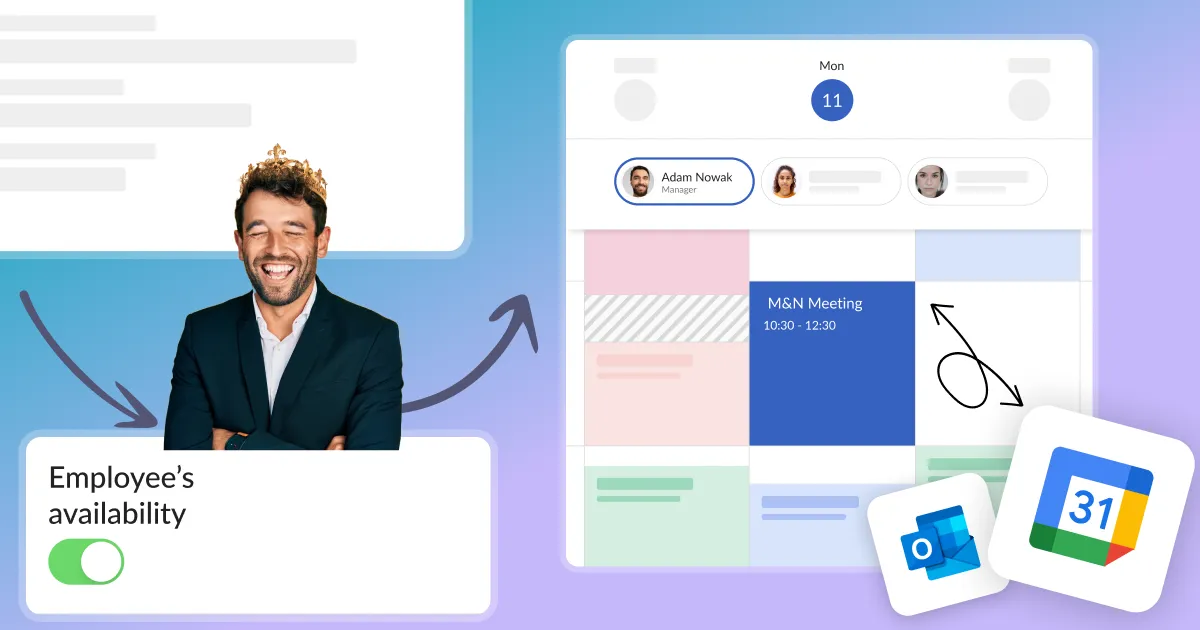
What to do when the service availability is not displayed correctly in the customer's calendar?
Set up your Calendesk account quickly and effectively so that your customers can start using your booking system as soon as possible.
