Tools
Read time: 9 minutes
How to add a cookie banner to your website?
Add a cookie banner to your Calendesk website: visitor consent, categories, Google Tag Manager and custom scripts. Ready texts and one tick.
Read time: 3 minutes
How to change contact details and company name?
Learn how to configure your Calendesk account for contact details and company name. Provide your clients with accurate information easily.
Read time: 2 minutes
Scrolling to an anchor on a landing page created in Calendesk.
If you are building a landing page and want header tabs to redirect customers to specific sections, this guide shows you how to scroll to an anchor in Calendesk.
Read time: 4 minutes
How to pre-fill your booking form using URL parameters?
Pre-fill your booking form with client details using URL parameters for a smoother booking process with Calendesk.
Read time: 2 minutes
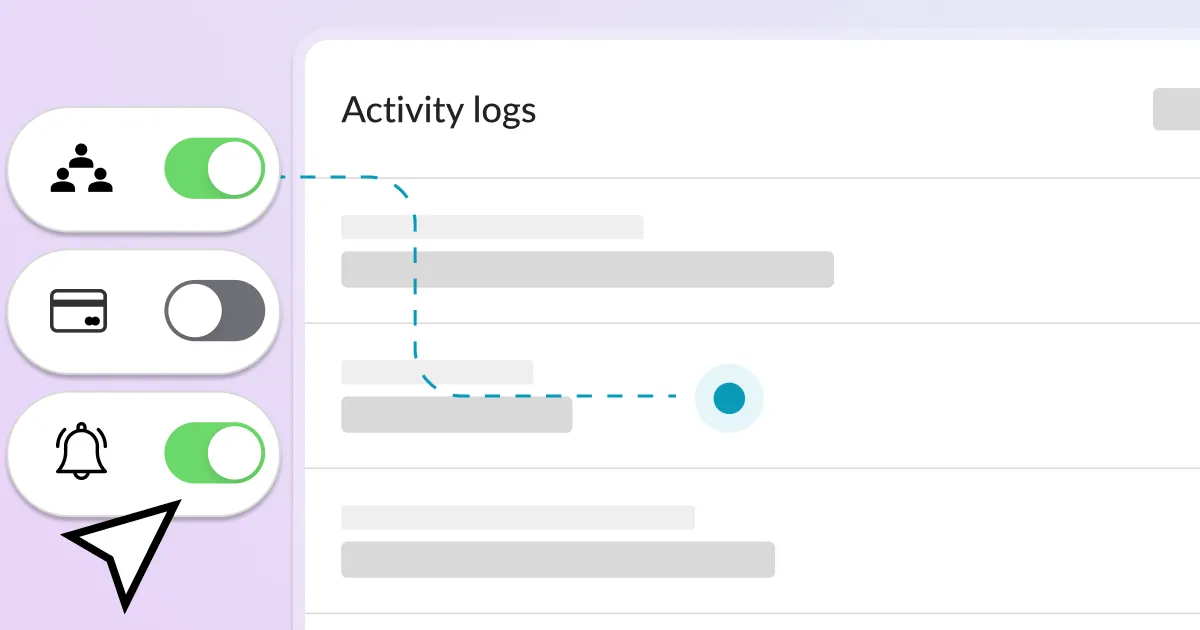
What are activity logs and where to find them?
Activity logs, in simple terms, are like a computer's or a booking system's journal. They record some of the actions that have taken place in the system.
Read time: 2 minutes
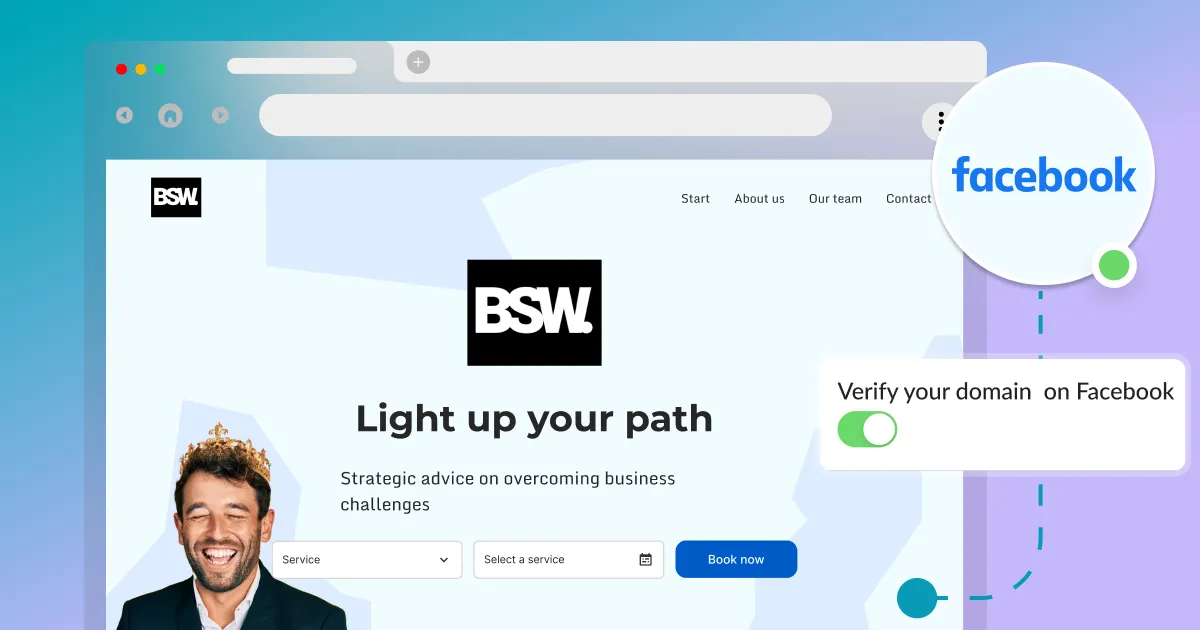
How to verify a domain on Facebook?
Verify your domain on Facebook with this short guide. Essential if you use Facebook Business Manager and Facebook Ads to ensure proper functionality.
![[Technical] Listen to events on the website](https://assets.calendesk.com/662e5ba87e7435cd761056b2_technical-listen-to-events-on-the-website.webp)
Read time: 6 minutes
[Technical] Listen to events on the website
This article is technical and requires basic JavaScript knowledge. Learn how Calendesk can call global functions on your website and listen to events.

Read time: 2 minutes
How do you create discount codes?
Today, when competition is fierce, becoming attached to one brand is difficult. Discover how to create discount codes to attract and retain customers.
Read time: 3 minutes
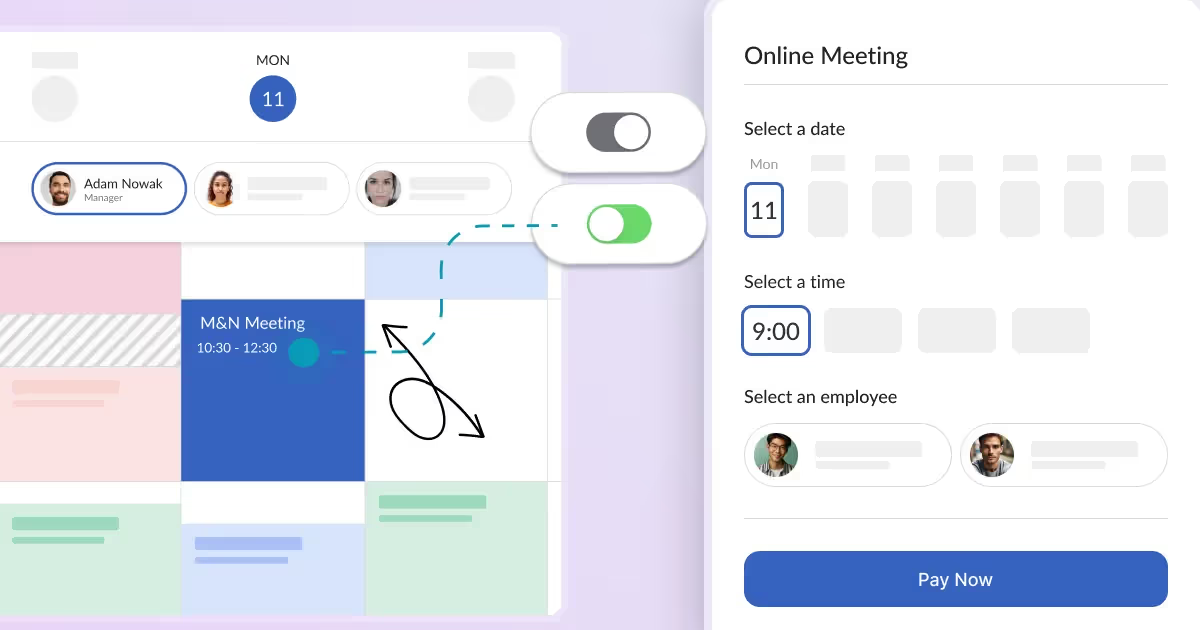
How can your customers manage their bookings?
Every booking system should have features allowing you to accept customer bookings automatically. A significant part of a booking system is to allow your customers to manage their bookings easily.
Read time: 2 minutes
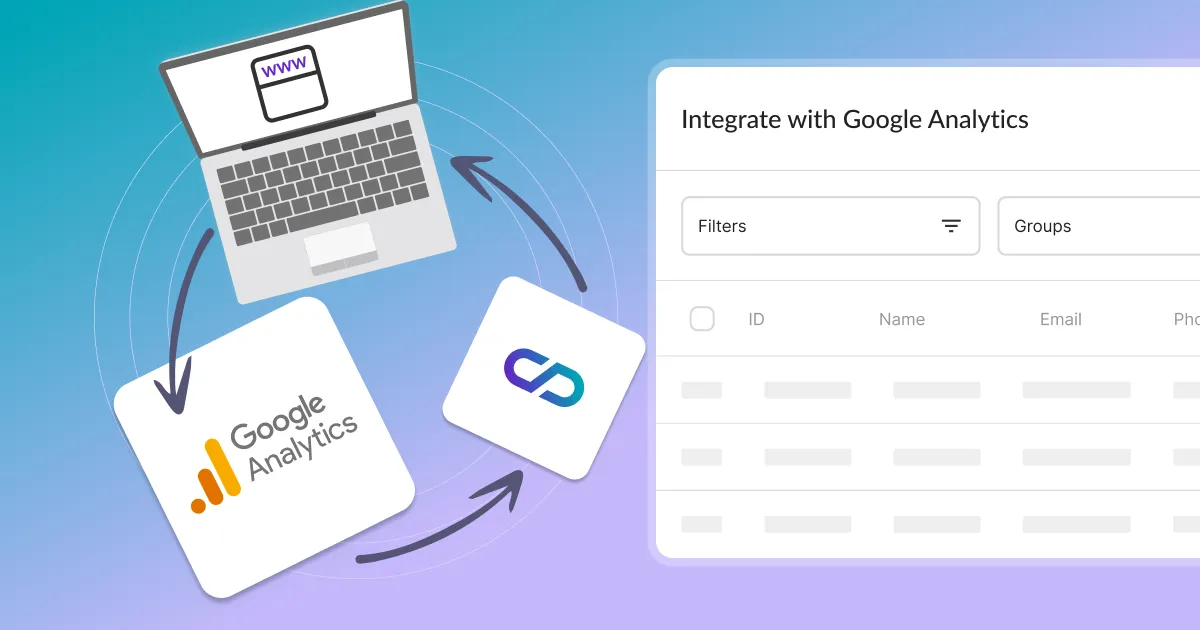
How to add Google Analytics, Facebook Pixel, and other custom scripts?
Learn how to add custom scripts like Google Analytics, Facebook Pixel, and Livechat to Calendesk. We offer two easy ways to integrate your tracking codes.
Read time: 4 minutes
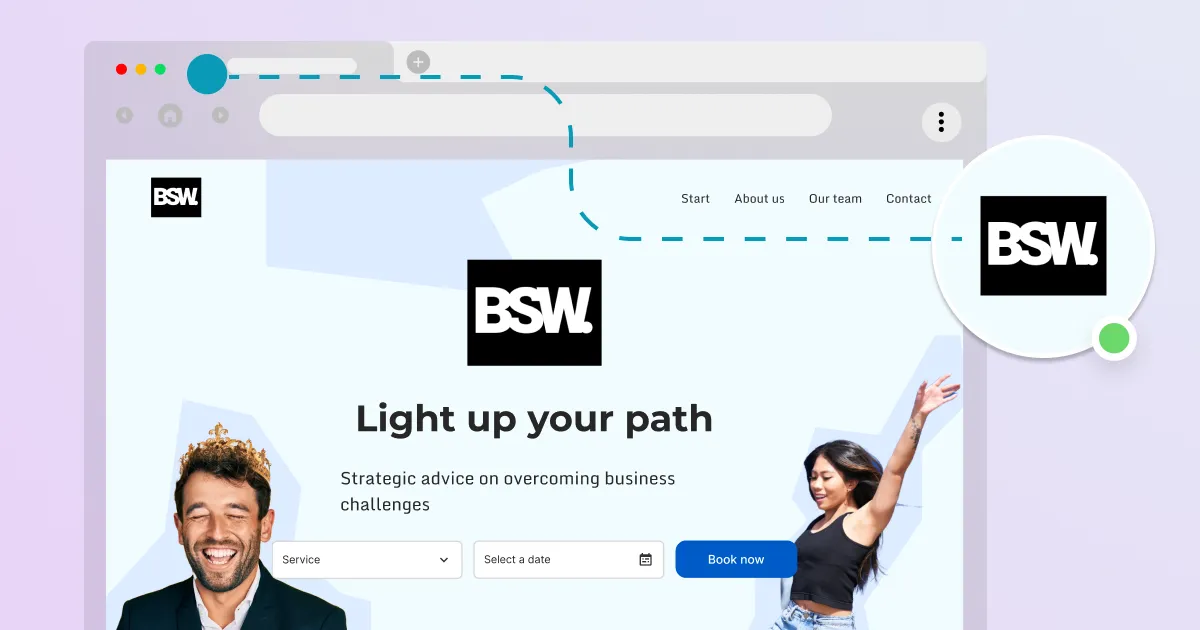
What is an Open Graph Image and how can you set it up in the website builder?
Open Graph Image is a hidden HTML meta tag used by social media to present a shared link of a website. This feature allows websites to control how their content appears when shared.
Read time: 2 minutes
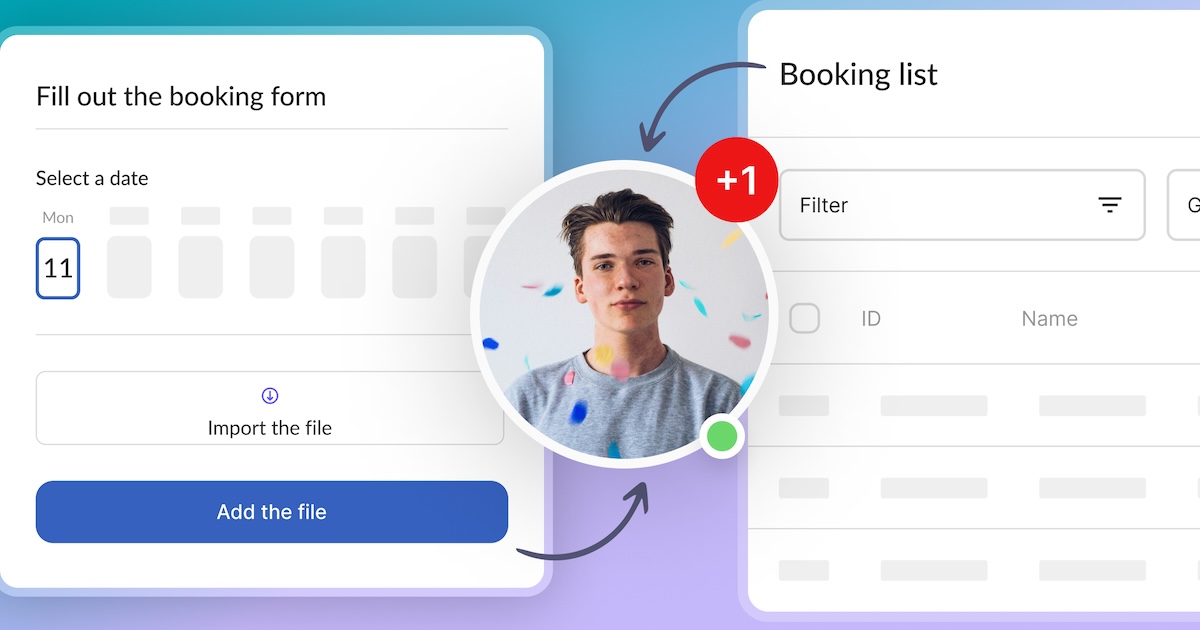
How to add custom fields to your website booking system?
A well-designed reservation form significantly facilitates the scheduling of business appointments. By using a booking form, you can gather the necessary information from your clients.
Read time: 2 minutes
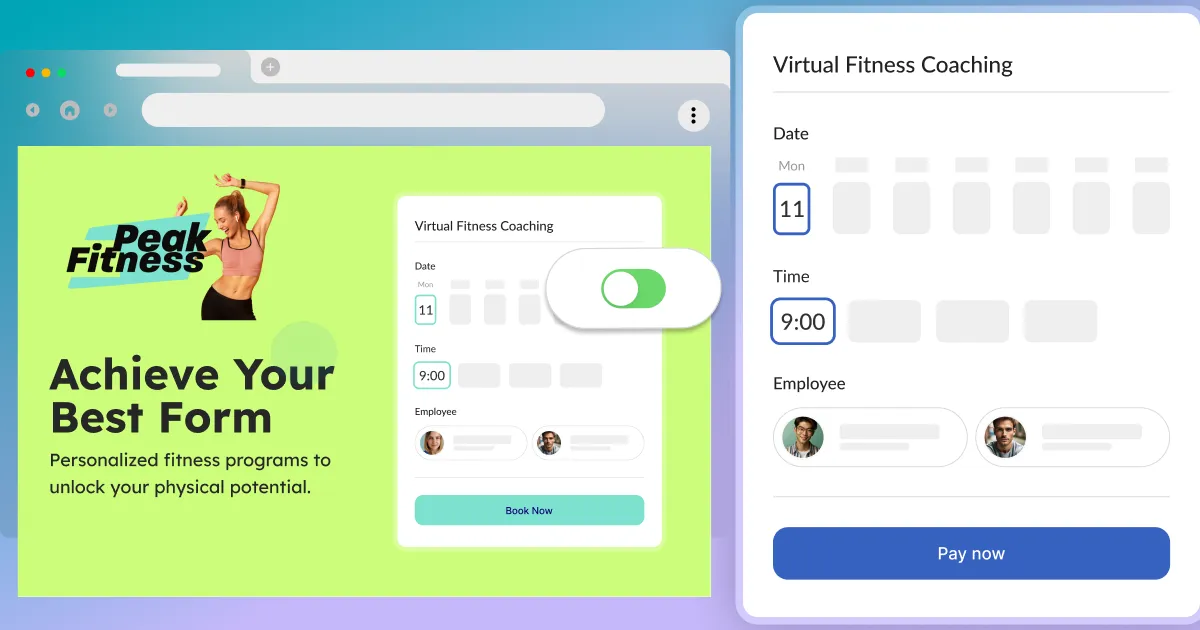
How to add an online booking system to WordPress?
Make sure you have read the article about generating your code for your online booking system: How to add an online booking system to your website? Once you have your code, you can easily add it to your WordPress site.
Read time: 2 minutes
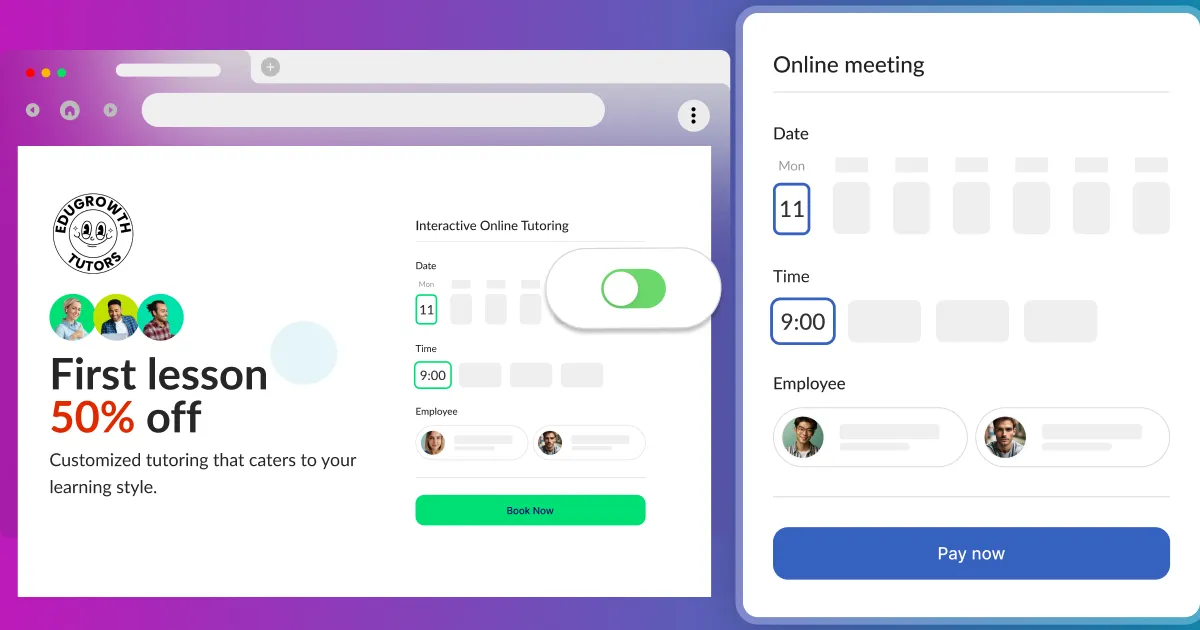
How to add an online booking system to your website?
Add Calendesk Online Booking System to your website easily. Follow these steps to integrate our booking system into your website drafts and start accepting appointments.
Read time: 3 minutes
How to set your custom domain for your website?
Once your website is created and published, it is available under the Calendesk subdomain (calendesk.net). You can edit the subdomain and use it as long as you want.
Read time: 5 minutes
How can I personalize a website?
Learn how to personalize your website with Calendesk. After generating and personalizing your subdomain, you can easily publish your site.
Read time: 2 minutes
How can I upload, edit, and use pictures?
Learn how to upload, edit, and use pictures in Calendesk. The "Tools / Files" view is a shared space for all your image needs.
Read time: 3 minutes
How can I create a website using the website builder?
Learn how to use the Calendesk website builder to create a new website with a wide selection of templates.
Read time: 2 minutes
How to effectively manage a newsletter? From collecting email addresses to sending messages.
Learn how to collect subscriber email addresses and send email notifications. Discover effective newsletter management from collecting emails to sending messages.
