Settings
Read time: 7 minutes
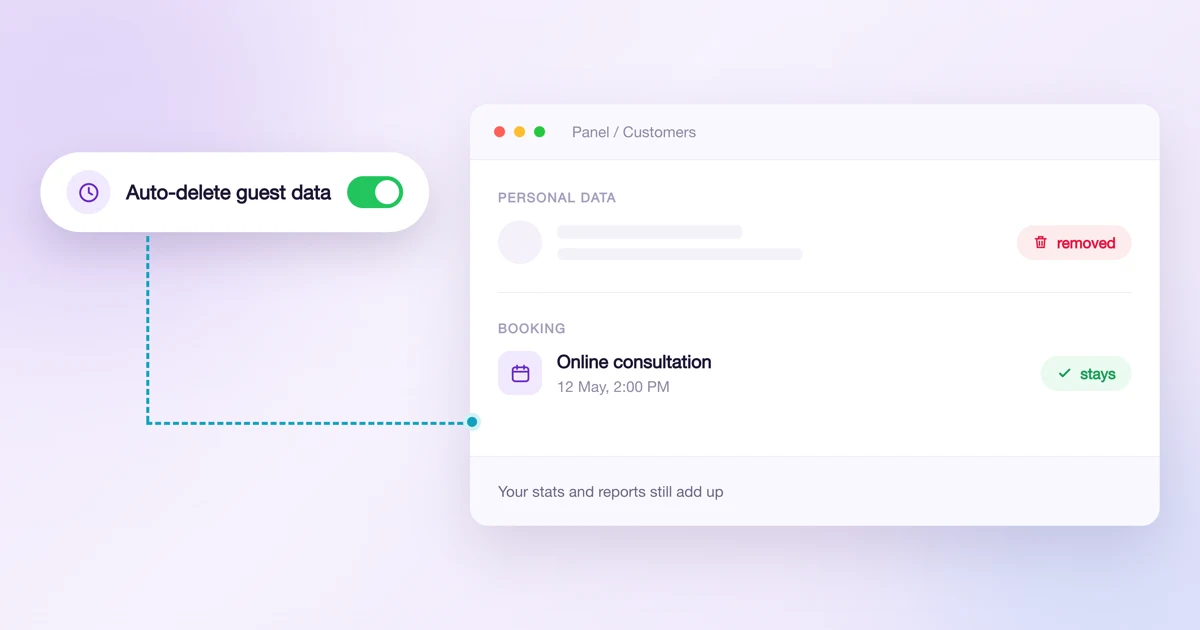
Privacy: automatic deletion of customer data, account history and passwords
Set it once and Calendesk deletes the data of people who booked without an account every night. See exactly what goes, who is never deleted, and where to get the log for your data protection officer.
Read time: 4 minutes
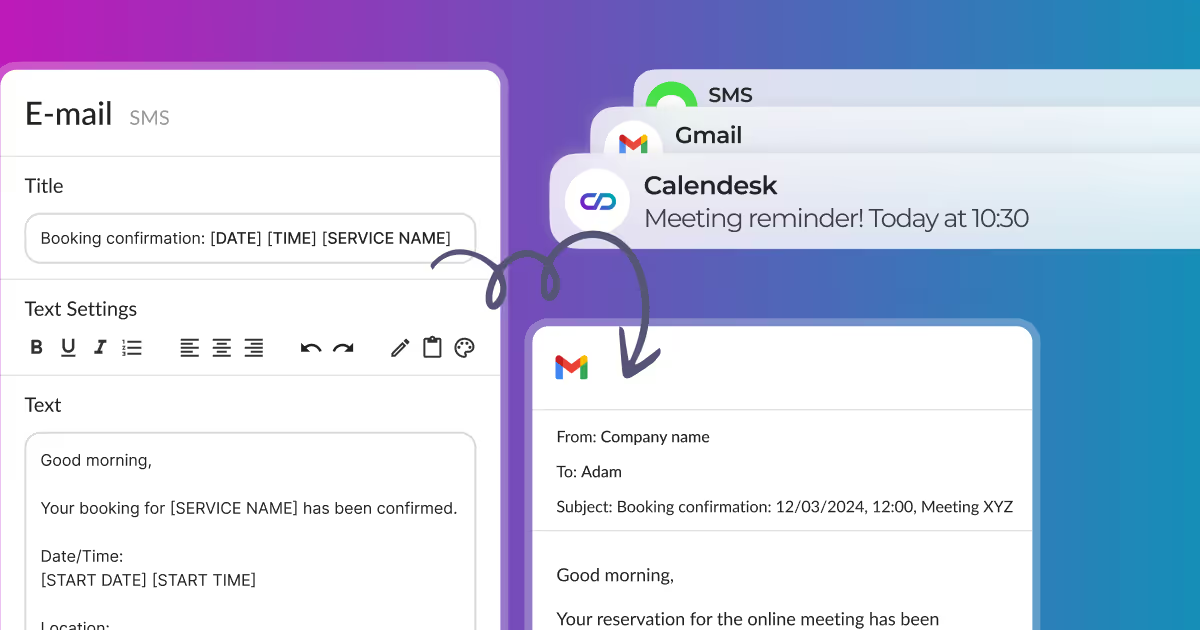
How can I edit email, SMS, and push notifications?
Edit email, SMS, and push notifications sent to clients and employees from our appointment booking system. Customize content freely in the Notification Editing section.
Read time: 3 minutes
How to change contact details and company name?
Learn how to configure your Calendesk account for contact details and company name. Provide your clients with accurate information easily.
Read time: 3 minutes
How to change my account password and details?
After clicking Additional options in the employee profile, as shown in the image below, you can change the basic details of your account, such as:
Read time: 2 minutes
Where can I find invoices for Calendesk services?
Learn how to add a payment method and find tax invoices for your Calendesk services. This article provides step-by-step instructions and visual guides.
Read time: 2 minutes
How to delete your account in Calendesk?
How to delete your account in Calendesk? Deleting your Calendesk account depends on your type of association with us. We prioritize your data privacy and security.
Read time: 2 minutes
How to change the currency?
You can enable payments with Stripe in Calendesk in 46 currencies and 37 countries. Here is the complete list of the supported countries and currencies.
Read time: 2 minutes
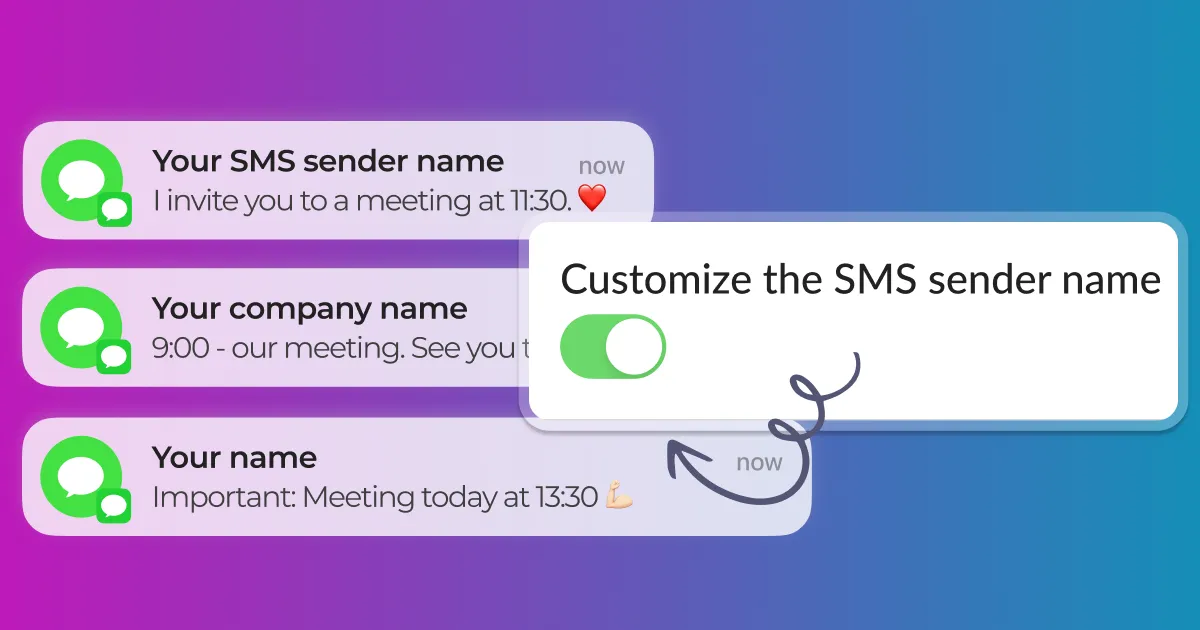
How to personalize the sender name for SMS messages?
What is an SMS Sender Name? An SMS Sender Name allows you to send SMS messages to your customers from a personalized sender name, like a company name.
Read time: 2 minutes
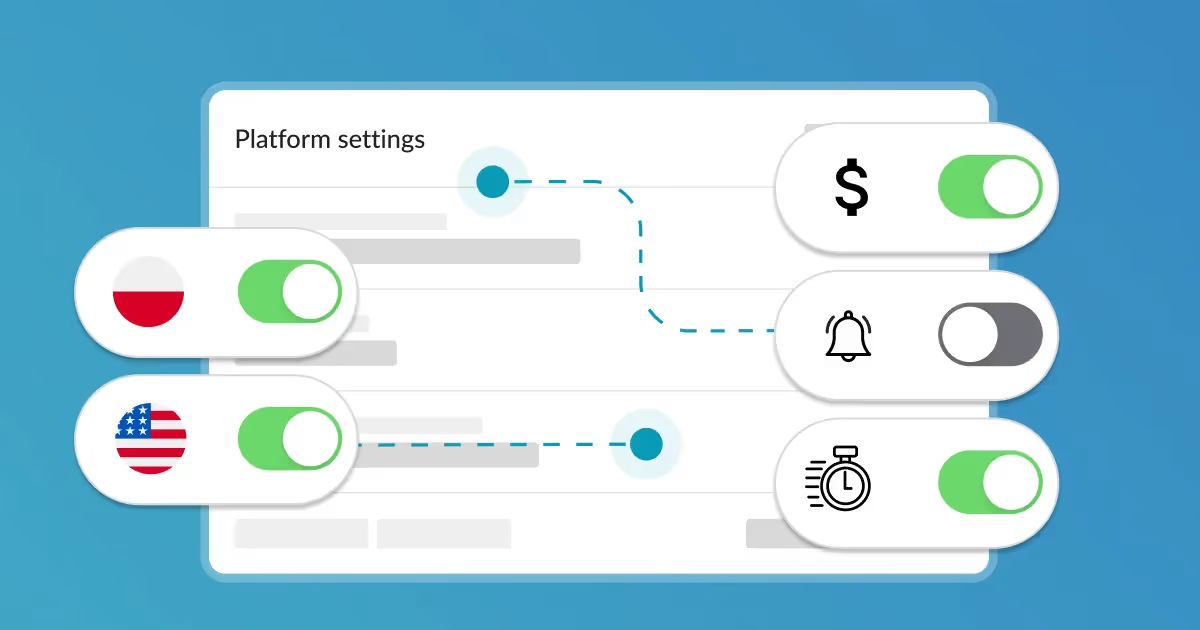
How can I configure platform settings including timezone, language, currency, and phone prefix?
Customize general settings in Calendesk, including language, timezone, area phone code, and currency, to personalize your booking experience.
Read time: 2 minutes
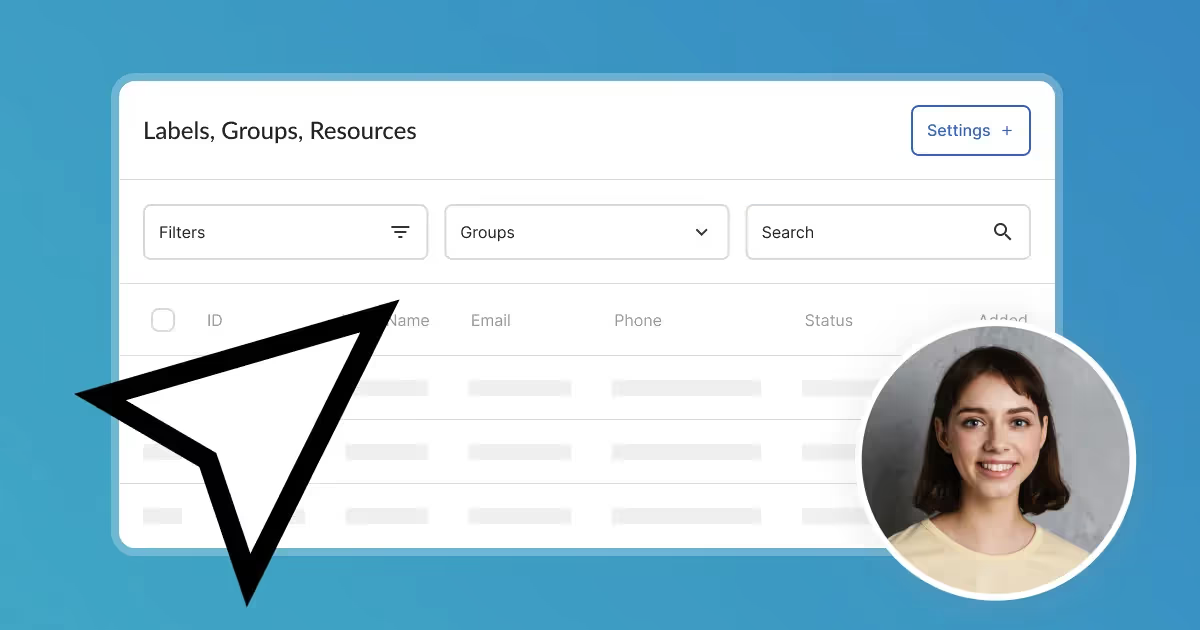
What are labels, groups, and resources and how to manage them?
Manage all your labels, groups, and resources from one central place. Access the "Settings" tab to easily organize and control them.
