Customers
Read time: 3 minutes
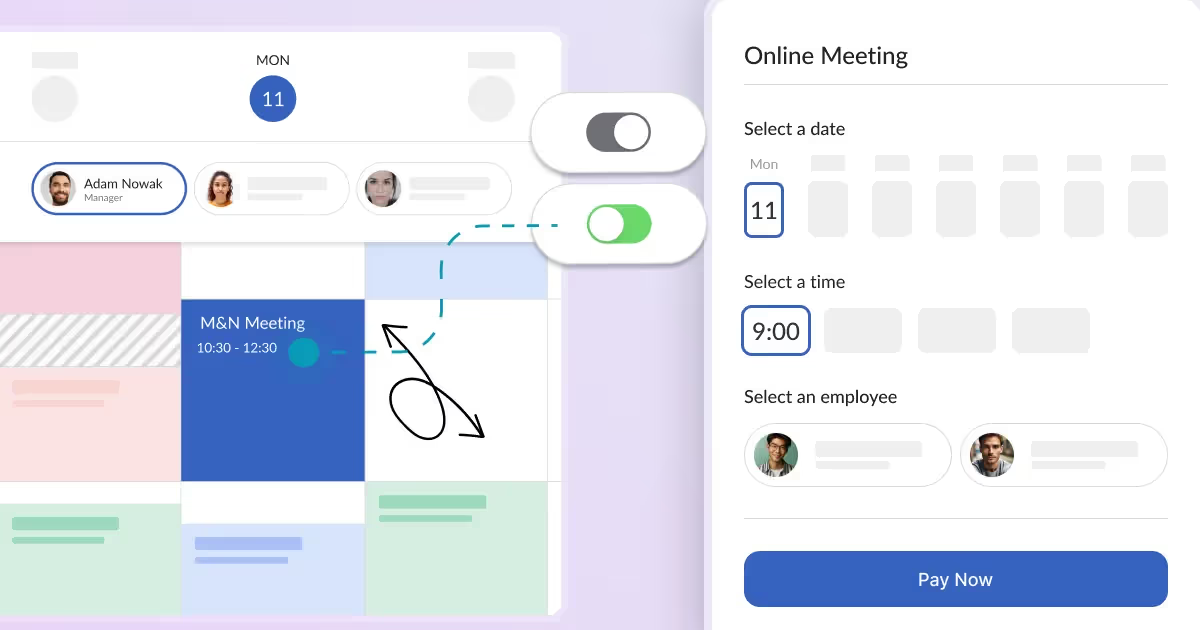
How can your customers manage their bookings?
Every booking system should have features allowing you to accept customer bookings automatically. A significant part of a booking system is to allow your customers to manage their bookings easily.
Read time: 2 minutes
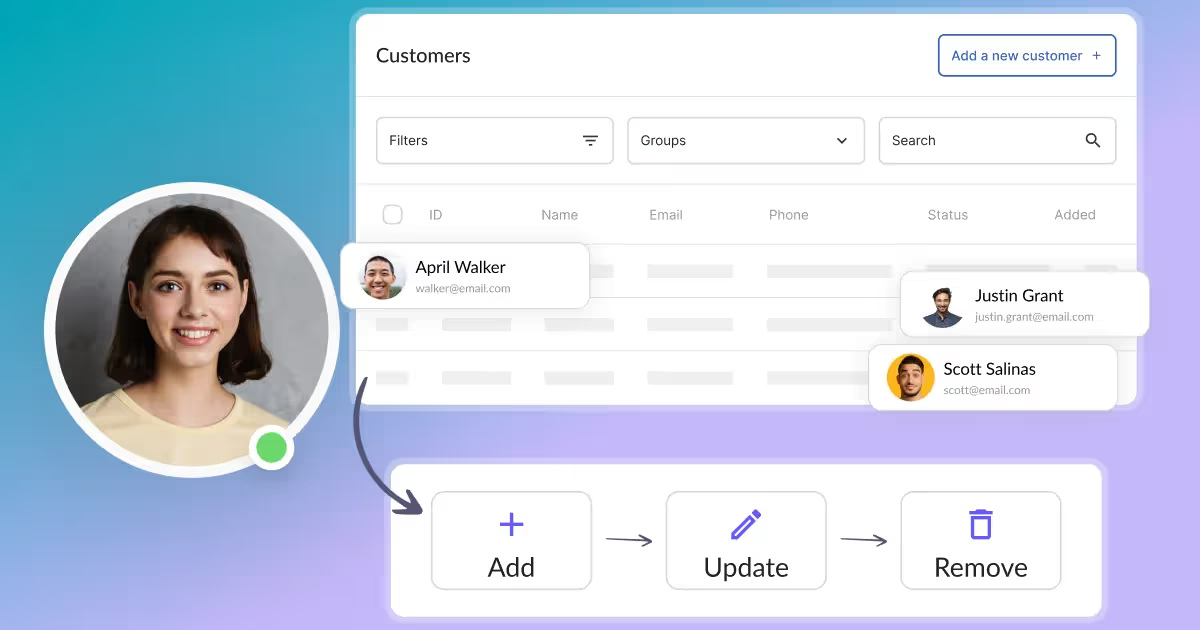
How can I view and edit customer profiles?
View and edit customer profiles from the "Customers" tab in the Calendesk Admin Panel. This module allows you to manage all your customer data.
Read time: 2 minutes
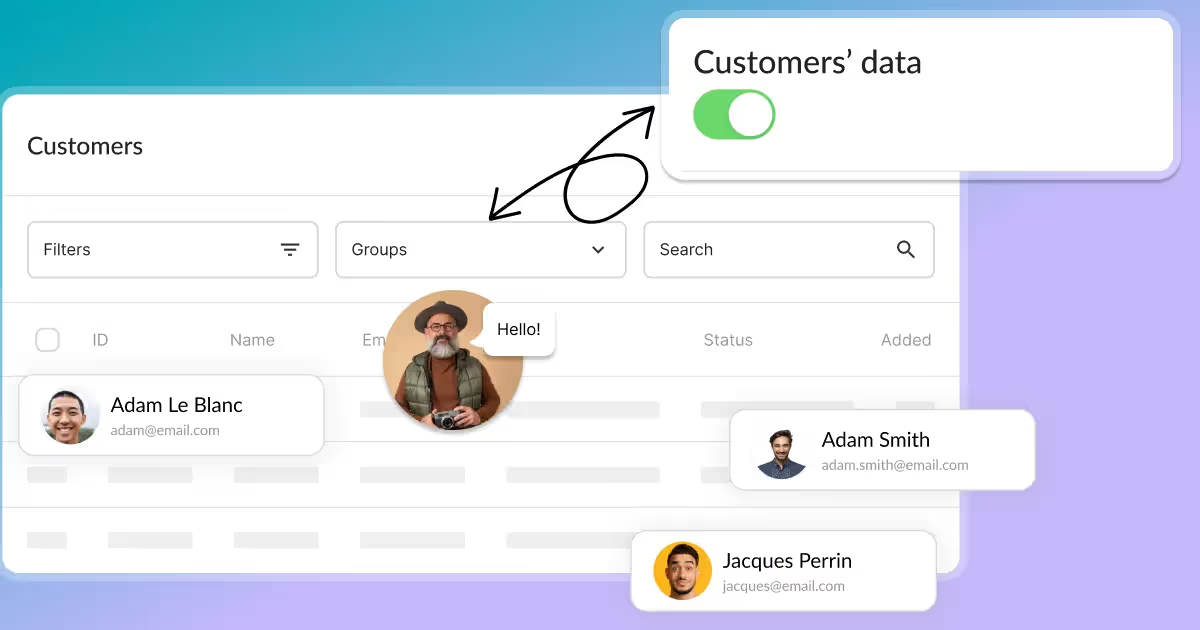
How can I access and manage customers?
Access and manage all your Calendesk customers from the customer list. This table provides quick information about each customer.
Read time: 2 minutes
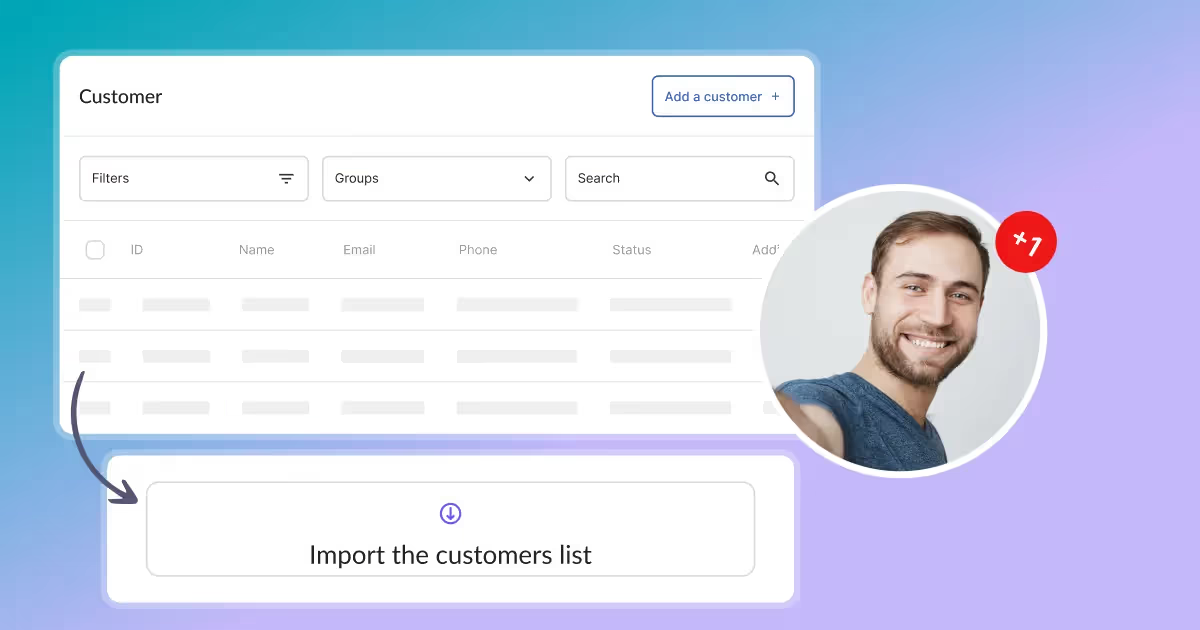
How can I add a customer?
Add new customers to the Calendesk platform using the "Add a customer" view. Enter details of those who will be using your services.
Read time: 2 minutes
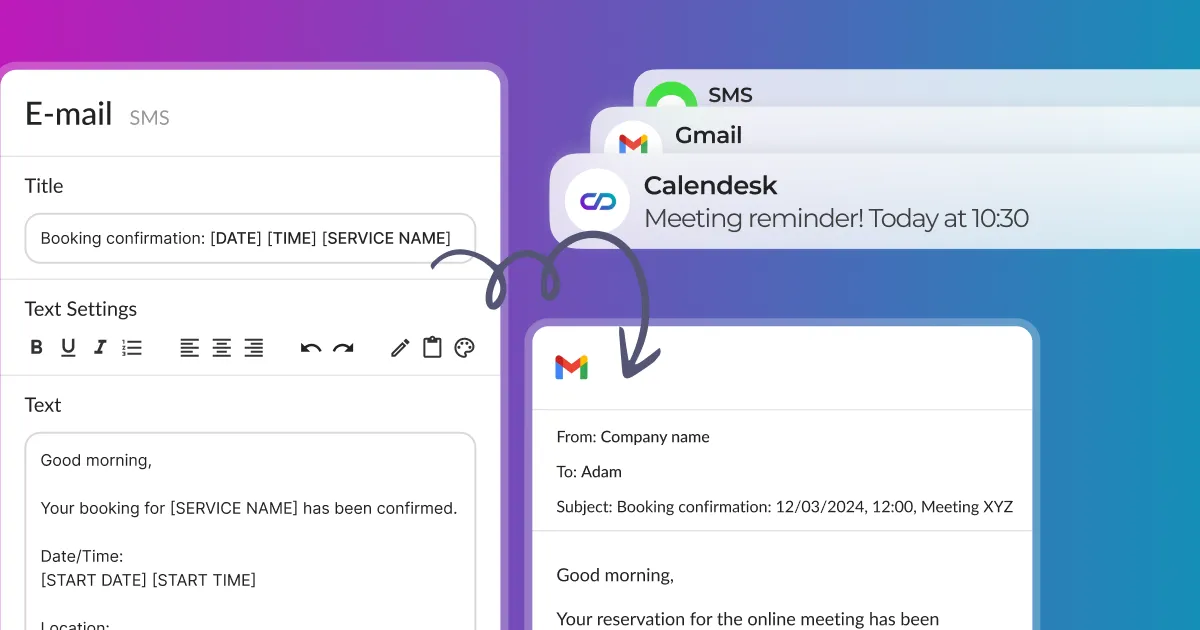
How can I send notifications to customers via email, SMS, and push?
This article will show you how to manually send notifications to share something with your customers or newsletter subscribers via email, SMS, and push.
Read time: 2 minutes
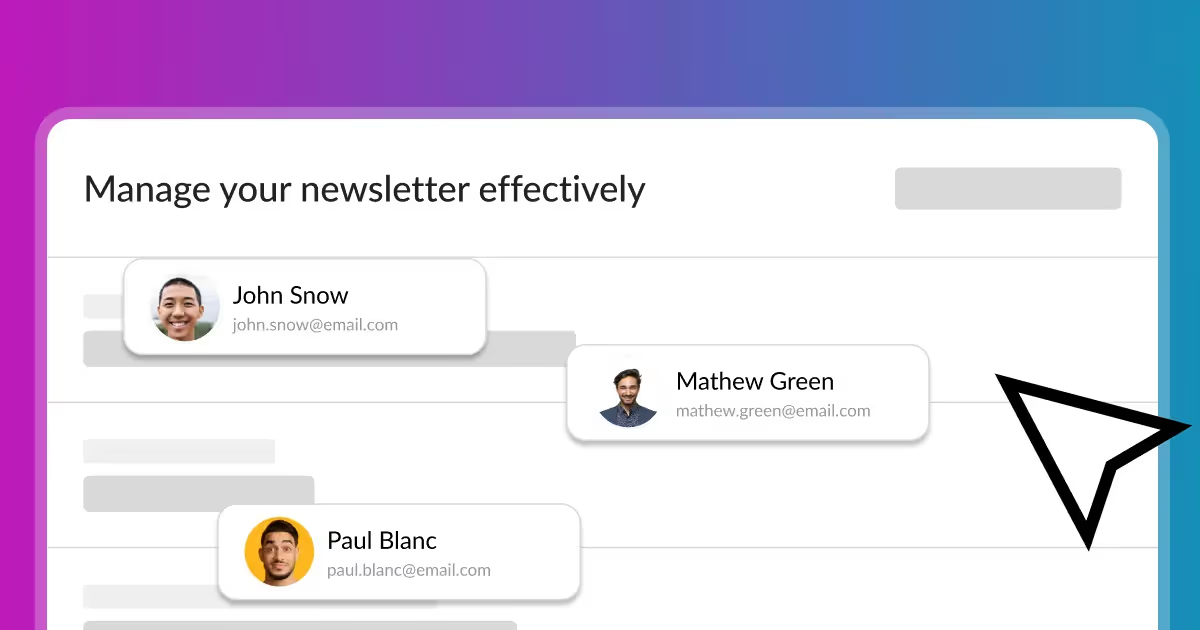
How to effectively manage a newsletter? From collecting email addresses to sending messages.
Learn how to collect subscriber email addresses and send email notifications. Discover effective newsletter management from collecting emails to sending messages.
