Calendesk Help Center Articles: Discover how to swiftly begin with Calendesk, covering everything from registration to initial setup.
Read time: 2 minutes
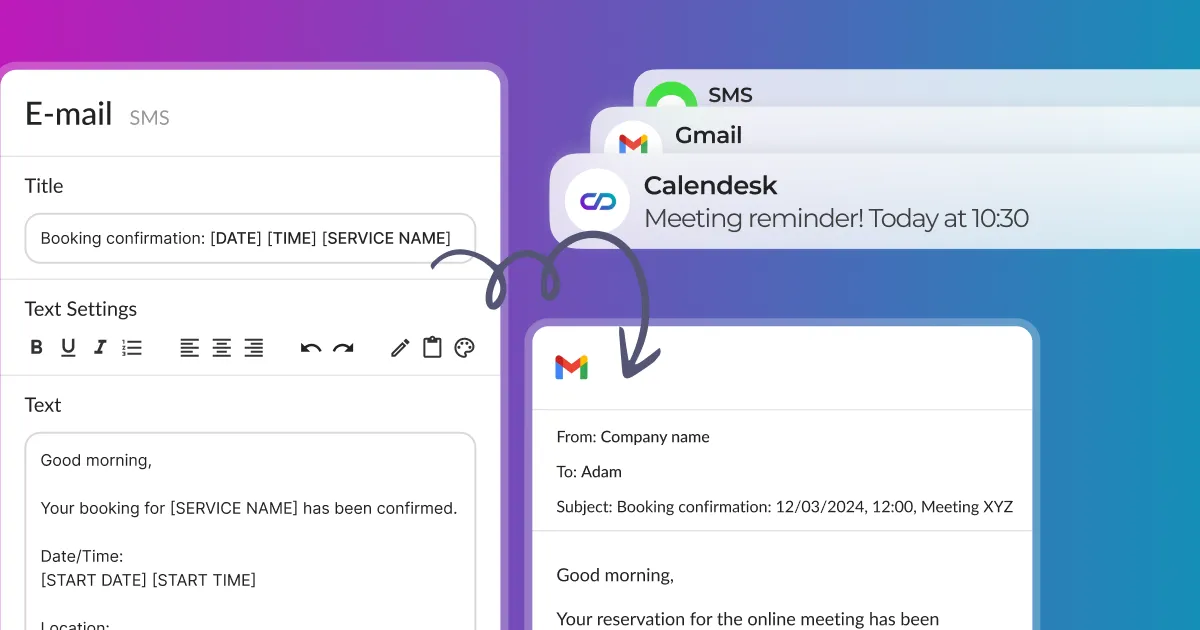
How can I send notifications to customers via email, SMS, and push?
This article will show you how to manually send notifications to share something with your customers or newsletter subscribers via email, SMS, and push.
Read time: 2 minutes
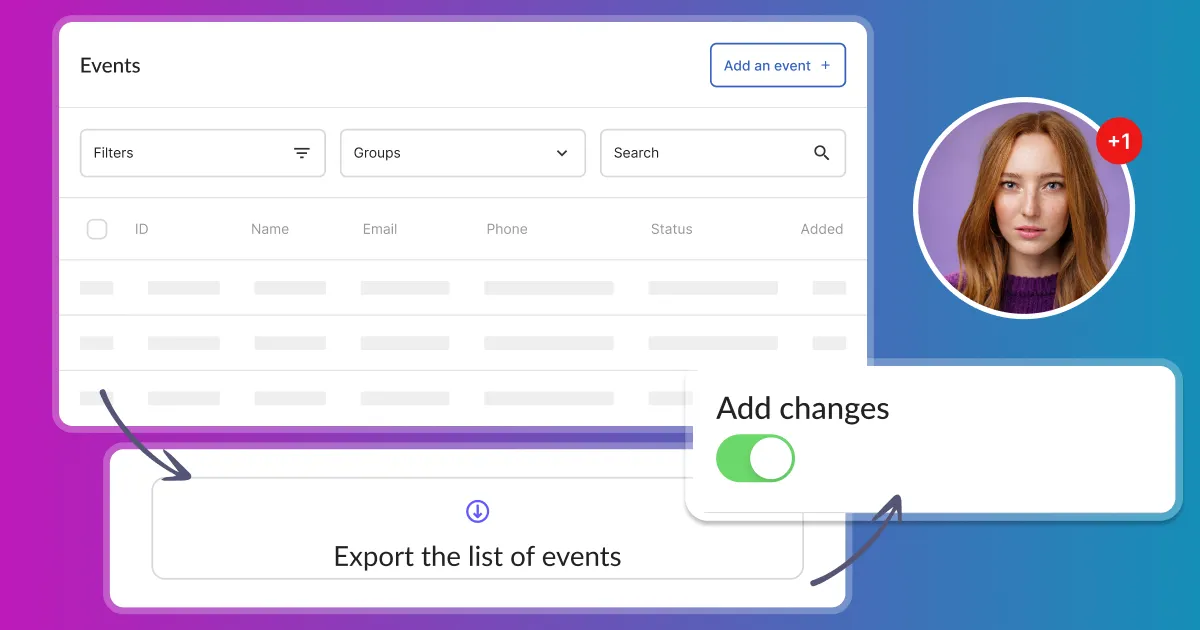
How can I access and manage events?
In the "Sales / Events" section, you will find all bookings information displayed in a very convenient table. Use Calendesk to easily access and manage your events.
Read time: 2 minutes
How to effectively manage a newsletter? From collecting email addresses to sending messages.
Learn how to collect subscriber email addresses and send email notifications. Discover effective newsletter management from collecting emails to sending messages.
Read time: 2 minutes
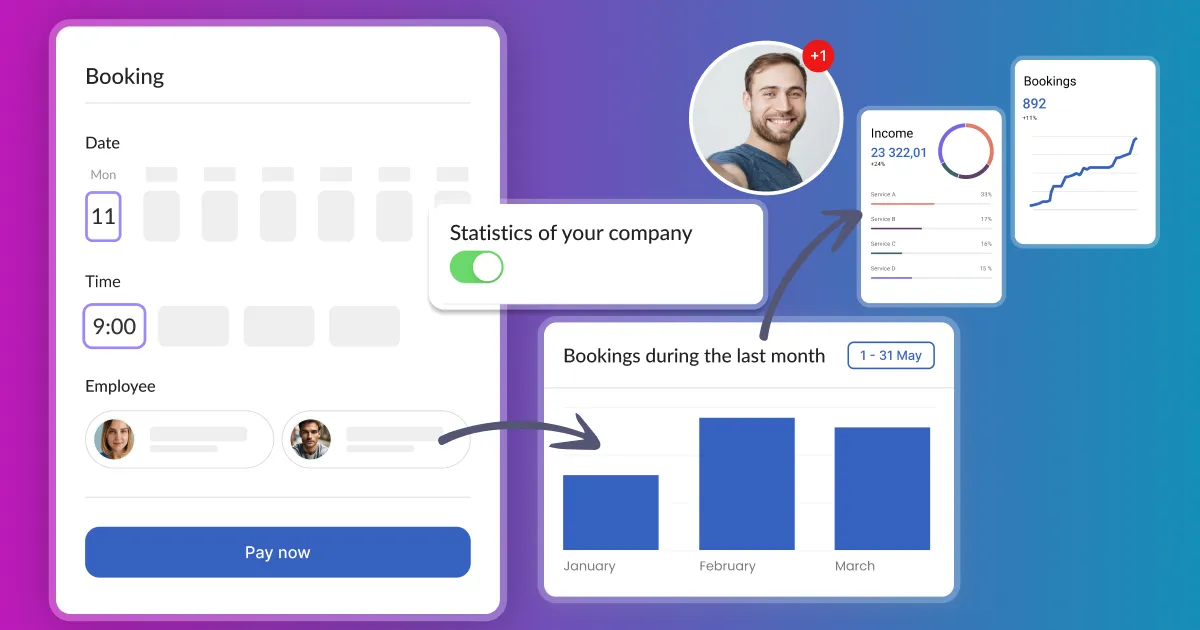
How do I quickly set up the system and view statistics?
The Dashboard walks you through setup and shows your revenue, bookings and clients for any period.
Read time: 2 minutes
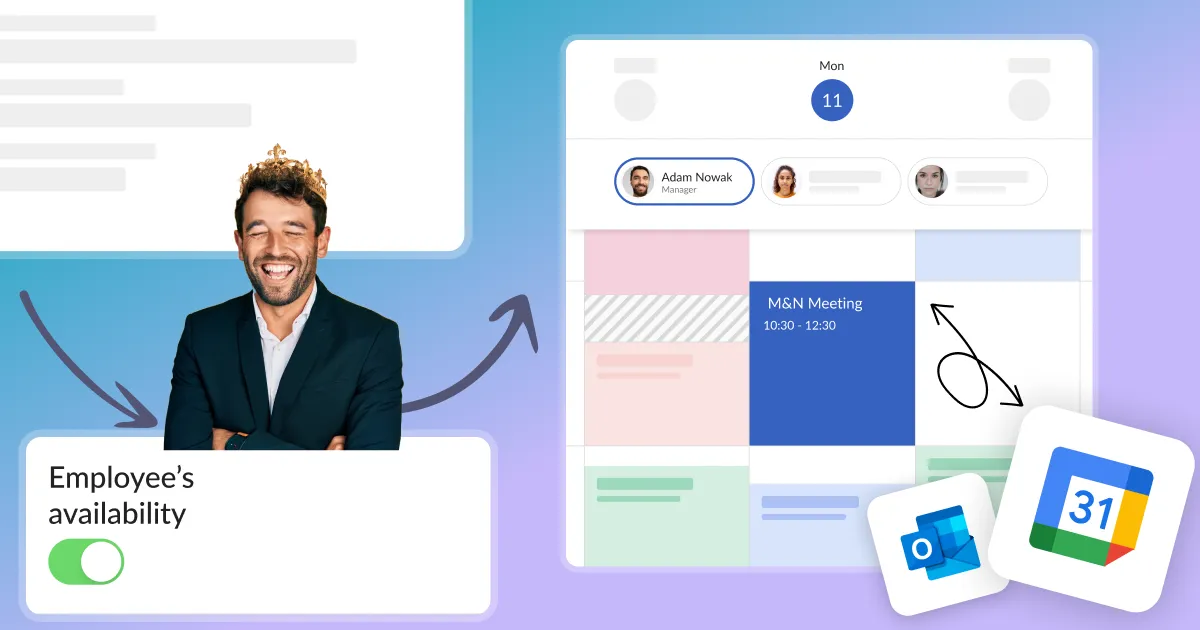
What to do when the service availability is not displayed correctly in the customer's calendar?
Set up your Calendesk account quickly and effectively so that your customers can start using your booking system as soon as possible.