Why isn't my website showing up on Google?
Your website or one of its subpages is live, yet it doesn't show up in Google. Here are the usual reasons, and how to ask Google to index the page.
Why a page may not be indexed
- Thin or low-quality content. Search engines skip pages with little or no unique content. A page needs something worth finding.
- A new domain or low trust. New websites, or websites few others link to, can take a while before they show up in results.
- A penalty. A website that breaks search engine guidelines or uses shady SEO tricks can be pushed out of the results.
- Duplicate content. If the same text appears on many pages, search engines may index only one of them, or none.
- No links from other websites. Links from other sites help search engines discover your website and trust it.
- Blocking rules. A robots.txt file (a short instruction for search engines) or a noindex setting hidden in the page's code can tell search engines to stay away. This applies when you put your booking page inside another website with its own settings.
- Technical errors. Server errors or very slow loading can stop crawlers from reading the page.
- Security problems. Websites flagged for malware or other security issues are dropped from the results to protect users.
Fixing indexing is usually a mix of better content, fixing technical errors and patience. Keep an eye on how your pages do in the results over the following weeks.
How to ask Google to index your page
If none of the reasons above apply, ask Google to index the page yourself. You do this in Google Search Console, which is free.
- Sign in with a Google account. If you don't have one, create it first.
- Add your website to Google Search Console. Click Start now and add your website address.
- Verify that the website is yours. Search Console shows you how. With your own domain, the simplest way is usually a DNS record: one entry you add at your domain provider, copied from Search Console.
- Inspect the page. Paste the page address into the search bar at the top of Search Console (the URL inspection tool).
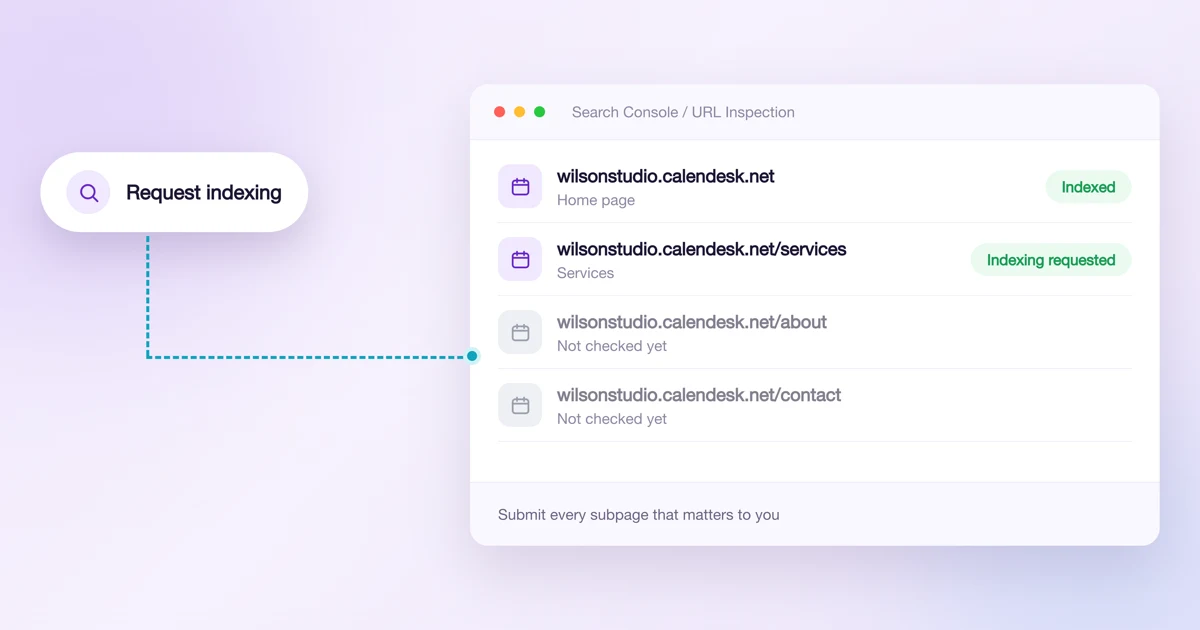
- Request indexing. If the page isn't on Google yet, click Request indexing. Google checks the page against its guidelines and, if all is well, adds it to the index. Requesting doesn't guarantee the page appears right away.
- Repeat for your important pages, not only the home page. Websites built in Calendesk don't publish an XML sitemap, so inspect and submit each subpage that matters to you.
- Check Search Console from time to time. It reports problems that stop pages from being indexed, so you can fix them early.
Google decides what to index and when, based on things like content quality, how much other websites trust yours and how often you update it. Following these steps and keeping your website up to date gives your pages the best chance.